


Description
Introduction
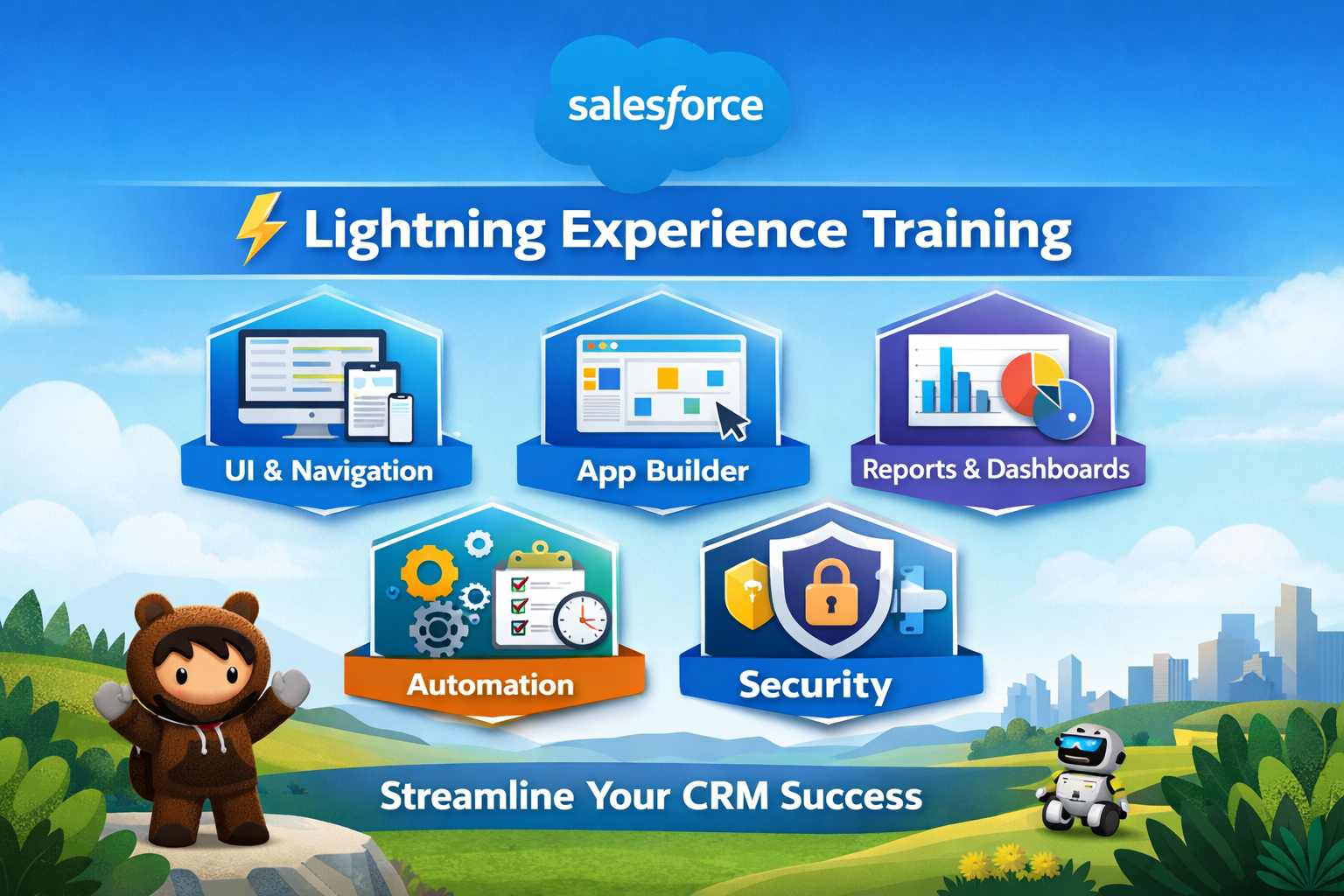
Salesforce Lightning Experience is the modern, user-friendly interface for Salesforce CRM that enhances productivity with a streamlined design, advanced analytics, and intuitive navigation. It enables users to manage sales, service, and marketing processes efficiently while leveraging Lightning components and automation.
Learner Prerequisites
- Basic knowledge of Salesforce Classic or CRM concepts
- Understanding of sales, service, or marketing workflows
- Familiarity with standard Salesforce objects (Accounts, Contacts, Opportunities)
Table of Contents
1. Introduction to Salesforce Lightning Experience
1.1 Overview of Lightning Experience vs Classic
1.2 Key Features and Benefits
1.3 Enabling and Switching to Lightning
2. Lightning User Interface
2.1 Lightning Home Page Layouts
2.2 Navigation and App Launcher
2.3 Tabs, Record Pages, and Related Lists
3. Lightning Records and Pages
3.1 Lightning Record Pages Overview
3.2 Customizing Page Layouts
3.3 Using Dynamic Forms and Actions
4. Lightning App Builder
4.1 Understanding Lightning Components
4.2 Building Custom Lightning Pages
4.3 Component Properties and Visibility Rules
5. Lightning Reports and Dashboards
5.1 Creating Reports in Lightning
5.2 Dashboards and Components
5.3 Report Filters, Charts, and Subscriptions
6. Lightning Automation
6.1 Lightning Flow Builder Basics
6.2 Creating Record-Triggered Flows
6.3 Approval Processes and Quick Actions
7. Lightning Productivity Tools
7.1 Path and Guidance Setup
7.2 Kanban View and List Views
7.3 Enhanced Notes, Email, and Calendar Integration
8. Security and Access in Lightning
8.1 Profiles, Permission Sets, and Roles
8.2 Sharing Rules and Org-Wide Defaults
8.3 Lightning-Specific Security Considerations
9. Best Practices and Tips
9.1 Optimizing Lightning Performance
9.2 Lightning Component Maintenance
9.3 User Adoption Strategies
Conclusion
This training has provided a comprehensive understanding of Salesforce Lightning Experience, covering its interface, pages, app builder, reports, dashboards, automation, productivity tools, and security features. By mastering these concepts, learners are equipped to enhance user adoption, streamline business processes, and leverage the full potential of the Lightning platform for efficient CRM management.


Reviews
There are no reviews yet.