


Description
Introduction
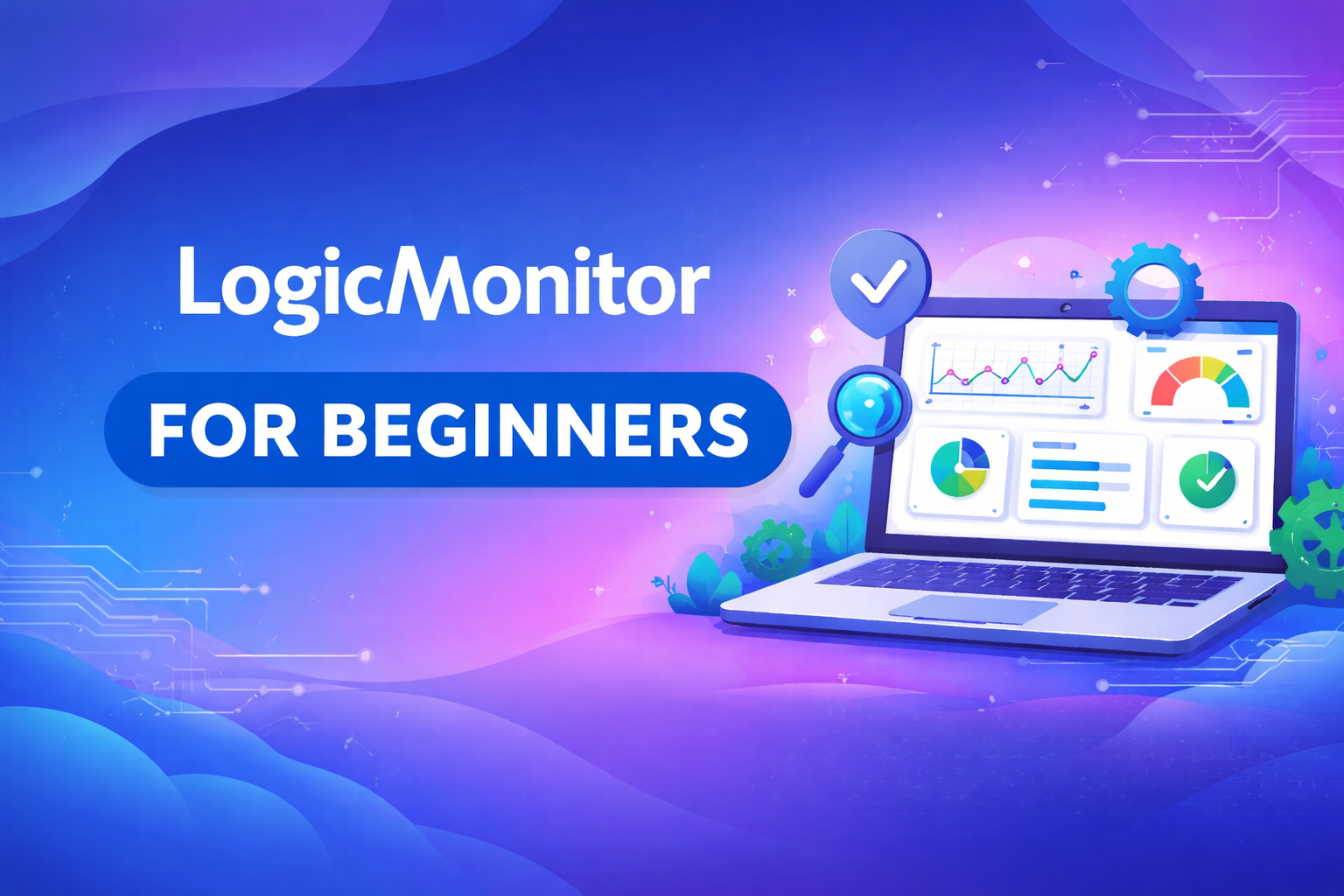
LogicMonitor is a SaaS-based IT performance monitoring platform that provides visibility into cloud, hybrid, and on-premises infrastructures. It helps organizations monitor networks, servers, applications, storage, and cloud resources in real time, enabling proactive issue detection, alerting, and performance optimization.
Learner Prerequisites
- Basic understanding of IT infrastructure, networking, and servers.
- Familiarity with cloud concepts (AWS, Azure, GCP) is helpful but not mandatory.
- General understanding of monitoring tools or IT operations is beneficial.
Table of Contents
1. Introduction to LogicMonitor
1.1 Overview of LogicMonitor Platform
1.2 Key Features and Benefits
1.3 Understanding the LogicMonitor Dashboard
1.4 Terminologies: Devices, Instances, Collectors, and Dashboards
2. Getting Started with LogicMonitor
2.1 Account Setup and Login
2.2 Navigating the User Interface
2.3 Setting Up Users and Roles
2.4 Configuring Basic Preferences
3. Device Monitoring
3.1 Adding and Configuring Devices
3.2 Device Groups and Hierarchies
3.3 Device Properties and Attributes
3.4 Using Device Templates
3.5 Monitoring Servers, Network Devices, and Applications
4. Data Collection and Monitoring Metrics
4.1 Introduction to Data Sources
4.2 Configuring Metrics Collection
4.3 Understanding Graphs and Trends
4.4 Custom Metrics and Thresholds
5. Alerts and Notifications
5.1 Alerting Overview
5.2 Configuring Alert Rules
5.3 Setting Up Notification Channels
5.4 Escalation Policies and Event Management
6. Dashboards and Reporting
6.1 Creating and Customizing Dashboards
6.2 Using Widgets and Reports
6.3 Scheduled Reports
6.4 Sharing and Exporting Dashboards
7. Automation and Integrations
7.1 Introduction to Automation in LogicMonitor
7.2 Auto-Discovery and Dynamic Grouping
7.3 Integrating with Ticketing Tools (e.g., ServiceNow, Jira)
7.4 API Basics for Automation
8. Best Practices
8.1 Efficient Device and Resource Organization
8.2 Optimizing Performance Monitoring
8.3 Maintaining Alert Accuracy
8.4 Security and Access Management
9. Troubleshooting and Support
9.1 Common Issues and Solutions
9.2 Collector Management
9.3 Using Logs for Debugging
9.4 Accessing LogicMonitor Support and Resources

Reviews
There are no reviews yet.