


Description
Introduction
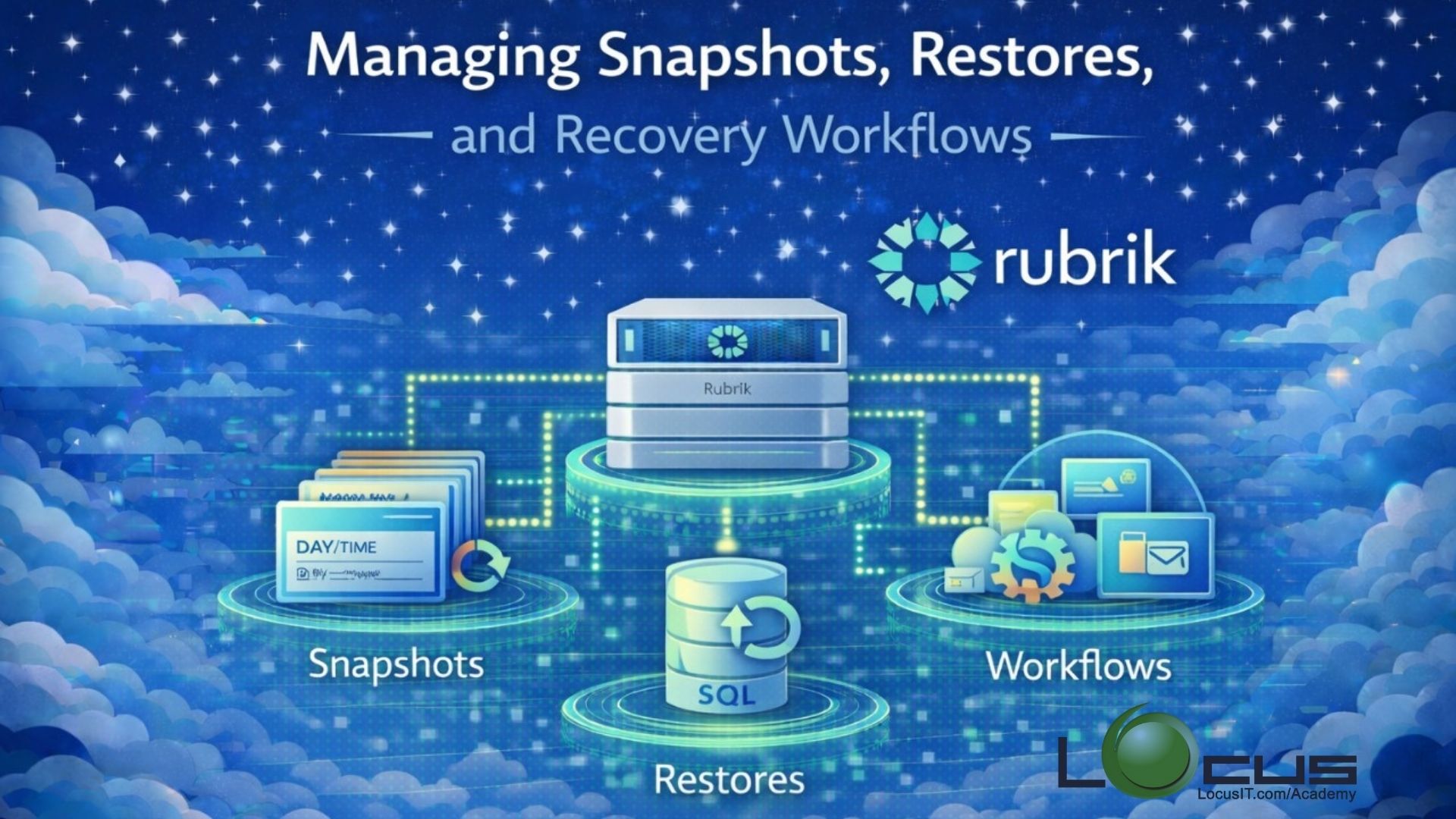
This training module focuses on the key aspects of data protection and recovery within Rubrik, including managing snapshots, performing restores, and executing recovery workflows efficiently. Participants will gain hands-on knowledge to ensure minimal downtime, data integrity, and optimized recovery processes for both virtual and physical environments.
Prerequisites
- Basic understanding of data protection concepts.
- Familiarity with virtualization platforms such as VMware vSphere or Hyper-V.
- Introductory knowledge of Rubrik architecture and its UI (completion of “Rubrik Data Protection Essentials” training is recommended).
- Access to a Rubrik environment (sandbox or production) for hands-on exercises.
Table of Contents
Module 1: Introduction to Snapshots in Rubrik
- What is a snapshot?
- Types of snapshots (full, incremental, differential)
- How Rubrik handles snapshots
Module 2: Managing Snapshots
- Creating and scheduling snapshots
- Snapshot retention policies
- Snapshot storage considerations
- Viewing and managing snapshot history
Module 3: Restore Options in Rubrik
- File-level restores
- Application-aware restores (VMware, SQL, Exchange)
- VM and host-level restores
- Restoring to original vs. alternate locations
Module 4: Recovery Workflows
- Recovery workflow overview
- Orchestrating complex restores
- Monitoring restore progress
- Handling restore failures and troubleshooting
Module 5: Best Practices and Optimization
- Snapshot scheduling strategies
- Retention and archival policies
- Minimizing RPO and RTO
- Performance considerations during restores
Module 6: Hands-On Labs / Exercises
- Creating snapshots and scheduling policies
- Performing file-level and VM restores
- Executing a full recovery workflow scenario
- Troubleshooting common restore issues
Module 7: Summary and Q&A
- Key takeaways
- Recommended next steps
- Open Q&A session

Reviews
There are no reviews yet.