


Description
Introduction to LogicMonitor
LogicMonitor is a cloud-based infrastructure monitoring platform that provides end-to-end visibility across networks, servers, cloud environments, and applications. It enables proactive issue detection, alerting, and intelligent root cause analysis to minimize downtime and improve system performance.
Learner Prerequisites
- Basic understanding of IT infrastructure (servers, networks, cloud)
- Familiarity with monitoring concepts (alerts, metrics, thresholds)
- Basic knowledge of LogicMonitor (devices, dashboards, alerts)
- Exposure to troubleshooting methodologies (optional but helpful)
1. Fundamentals of Root Cause Analysis (RCA)
1.1 What is Root Cause Analysis?
1.2 Importance of RCA in IT Monitoring
1.3 Types of Incidents and Failures
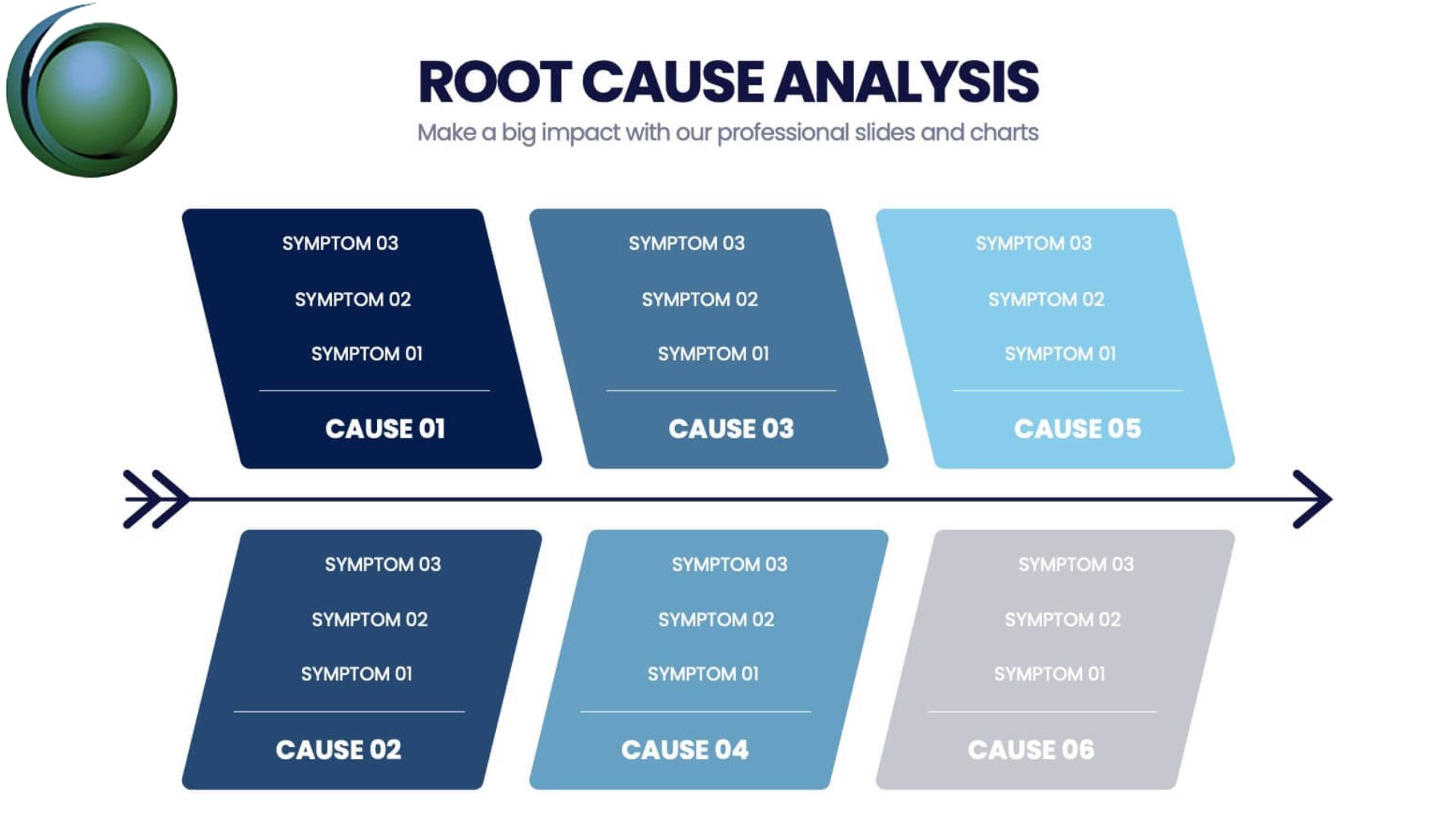
1.4 RCA Methodologies (5 Whys, Fishbone, etc.)
2. LogicMonitor Architecture for Troubleshooting
2.1 Overview of LogicMonitor Platform Components
2.2 Data Collection Methods (SNMP, WMI, APIs)
2.3 Alerting Engine and Escalation Chains
2.4 Event Sources and Logs in LogicMonitor
3. Understanding Alerts and Events
3.1 Alert Types and Severity Levels
3.2 Alert Thresholds and Tuning
3.3 Event Correlation and Alert Suppression
3.4 Alert Dependencies and Dynamic Thresholds
4. Investigating Incidents in LogicMonitor
4.1 Navigating Alerts Dashboard
4.2 Using Device and Resource Metrics
4.3 Time-Series Data Analysis
4.4 Identifying Patterns and Anomalies
5. Root Cause Analysis Techniques in LogicMonitor
5.1 Correlating Metrics Across Devices
5.2 Topology Mapping and Dependency Analysis
5.3 Using Logs and Event Data for RCA
5.4 Identifying Primary vs Secondary Failures
6. Advanced Troubleshooting Tools
6.1 NetScan and Discovery Tools
6.2 LogicMonitor Logs and Debugging
6.3 Integration with External Tools (ServiceNow, Slack, etc.)
6.4 Using APIs for Deep Analysis
7. Automation in Troubleshooting
7.1 Automated Alert Responses
7.2 Scripting for Issue Resolution (Groovy/PowerShell)
7.3 Auto-remediation Workflows
7.4 Reducing Alert Noise with Automation
8. Performance Optimization & Preventive Measures
8.1 Proactive Monitoring Strategies
8.2 Capacity Planning and Forecasting
8.3 Fine-tuning Alerts and Thresholds
8.4 Building Reliable Monitoring Dashboards
9. Real-Time Use Cases & Scenarios
9.1 Network Latency Issue RCA
9.2 Server Performance Degradation Analysis
9.3 Cloud Resource Failure Troubleshooting
9.4 Application Downtime Investigation
10. Best Practices for Effective Troubleshooting
10.1 Structured RCA Approach
10.2 Documentation and Reporting
10.3 Collaboration Across Teams
10.4 Continuous Improvement Strategies

Reviews
There are no reviews yet.