


Description
Introduction
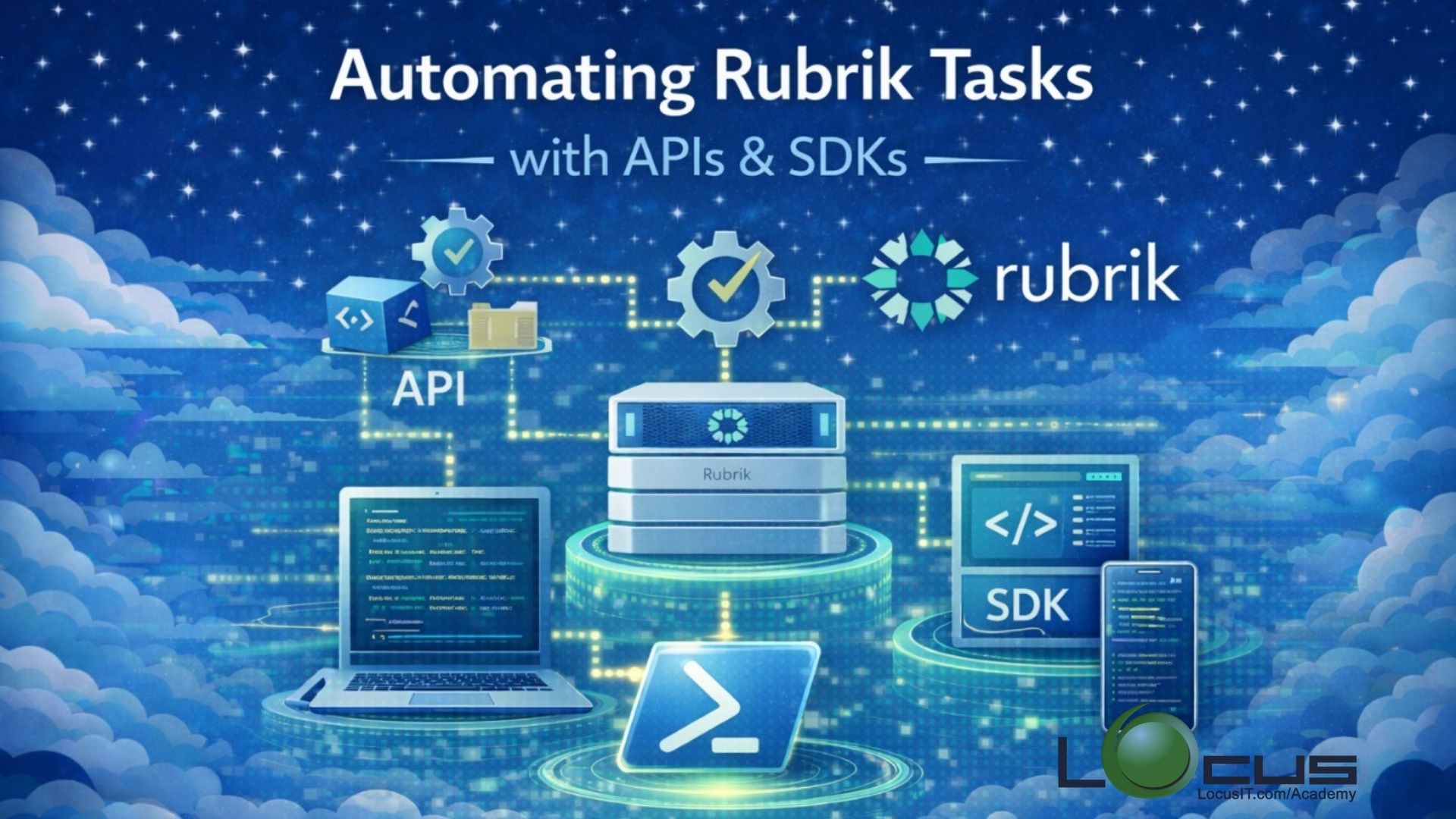
As enterprise data environments scale, manual management of backup, recovery, and reporting tasks becomes inefficient and error-prone. Rubrik provides powerful REST APIs and SDKs that enable administrators and developers to automate routine operations, integrate Rubrik with external tools, and build custom workflows.
This training introduces learners to Rubrik APIs and SDKs, focusing on automating common data protection tasks such as SLA management, backup monitoring, recovery operations, and reporting. Participants will gain hands-on knowledge to interact with Rubrik programmatically, enabling faster operations, improved consistency, and seamless integration with DevOps and IT automation platforms.
Prerequisites
- Basic understanding of Rubrik architecture and core components
- Familiarity with Rubrik UI and SLA-based protection
- Fundamental knowledge of REST APIs (HTTP methods, JSON)
- Basic scripting experience in Python or PowerShell (recommended)
- Understanding of authentication concepts (tokens, API keys)
- Access to a Rubrik cluster or Rubrik CDM lab environment
- A workstation with:
- Python / PowerShell installed
- REST client tools (Postman, curl, or similar)
Table of Contents
Module 1: Introduction to Rubrik Automation
- Why automate Rubrik operations
- Common use cases for Rubrik APIs
- Overview of Rubrik API capabilities
- Automation vs UI-based management
Module 2: Rubrik API Architecture Overview
- Rubrik REST API fundamentals
- API endpoints and versions
- Understanding JSON request and response structures
- API rate limits and best practices
Module 3: Authentication and Security
- API authentication methods
- Token-based authentication
- Role-based access control (RBAC) for API users
- Securing API credentials
Module 4: Exploring Rubrik APIs
- Navigating Rubrik API documentation
- Using API Explorer
- Testing APIs with Postman and curl
- Error handling and response codes
Module 5: Automating Core Rubrik Operations
- Automating SLA assignment and updates
- Triggering on-demand backups
- Monitoring job status and failures
- Automating snapshot management
Module 6: File-Level and Object Recovery Automation
- Automating file-level recovery
- Exporting VMs and databases programmatically
- Recovery workflow orchestration
- Validation and post-recovery checks
Module 7: Reporting and Monitoring with APIs
- Collecting backup and compliance data
- Generating custom reports
- Integrating Rubrik data with monitoring tools
- Scheduling automated reports
Module 8: Using Rubrik SDKs
- Overview of available SDKs (Python, PowerShell)
- Setting up Rubrik SDKs
- SDK vs direct REST API usage
- Common SDK-based automation examples
Module 9: Integrating Rubrik with External Tools
- Integrating with ITSM tools (ServiceNow, Jira)
- CI/CD and DevOps automation use cases
- Webhooks and event-driven automation
- Custom workflow examples
Module 10: Automation Best Practices & Troubleshooting
- Designing scalable automation workflows
- Error handling and logging
- Debugging API failures
- Performance and security considerations
Module 11: Hands-On Labs & Use Cases
- End-to-end automation scenario
- Real-world automation examples
- Building a reusable automation script
- Review and optimization
Module 12: Summary and Next Steps
- Key takeaways
- Advanced automation paths
- Preparing for Rubrik certifications
- Additional resources and documentation.


Reviews
There are no reviews yet.