


Description
Introduction
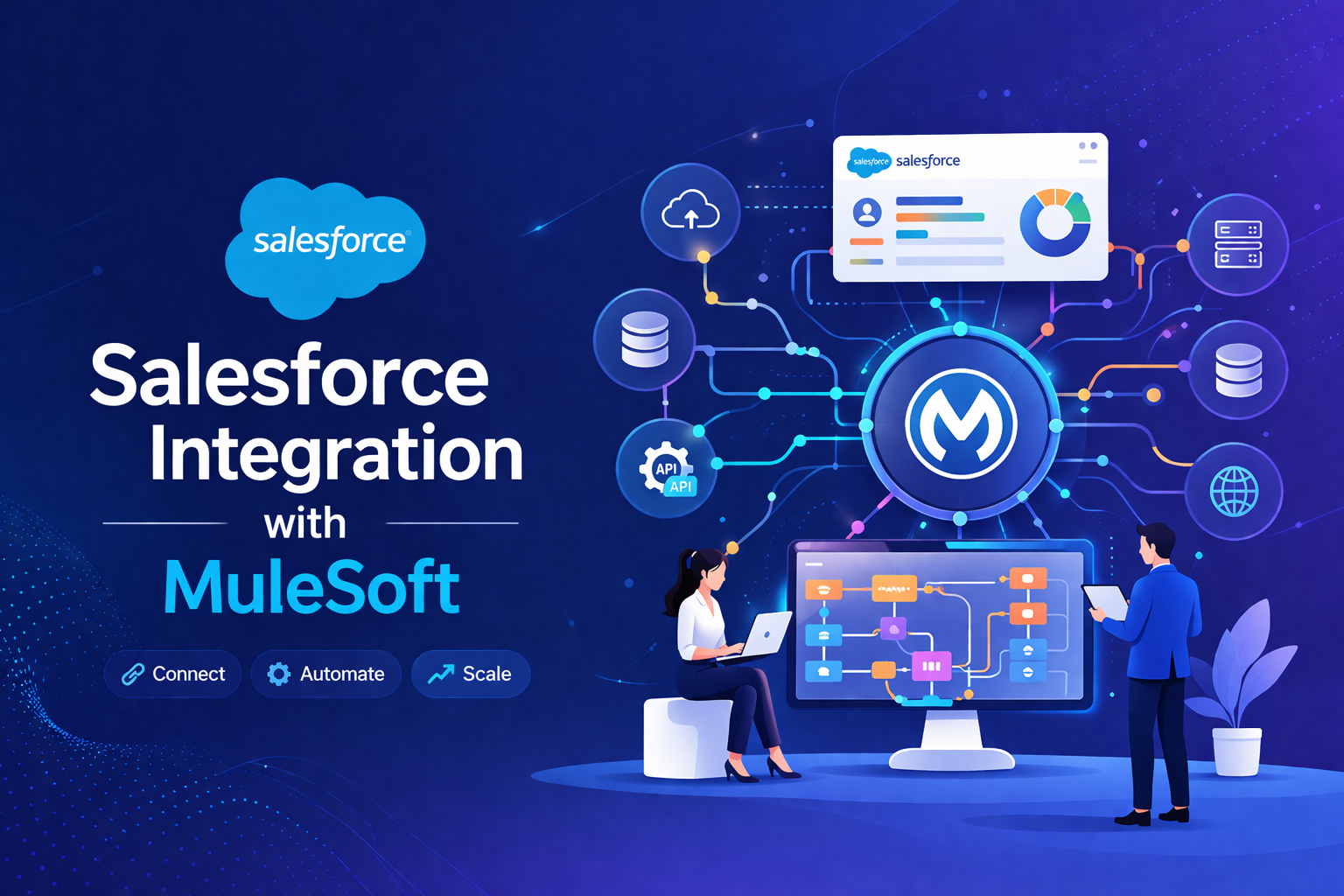
Salesforce Integration with MuleSoft enables organizations to connect Salesforce with various systems, applications, and data sources seamlessly. It provides an API-led connectivity approach, facilitating real-time and batch integrations, automating business processes, and enabling unified data access across the enterprise.
Learner Prerequisites
- Basic understanding of Salesforce CRM.
- Familiarity with cloud applications and APIs.
- Knowledge of integration concepts, data formats (JSON, XML), and web services.
- Basic understanding of middleware platforms is beneficial.
Table of Contents
1. Introduction to Salesforce and MuleSoft Integration
1.1 Overview of Salesforce Integration Capabilities
1.2 Introduction to MuleSoft and Anypoint Platform
1.3 Benefits of Integrating Salesforce with MuleSoft
1.4 Integration Use Cases and Scenarios
2. Integration Concepts and Architecture
2.1 API-Led Connectivity Approach
2.2 Integration Patterns: Real-Time vs Batch
2.3 Understanding MuleSoft Architecture
2.4 Salesforce Data Model and API Essentials
3. MuleSoft Anypoint Platform Overview
3.1 Designing APIs with Anypoint Studio
3.2 API Management and Governance
3.3 Connectors, Templates, and Pre-Built Integrations
3.4 Deploying and Monitoring Applications
4. Salesforce Connectors and Integration Tools
4.1 Salesforce Connector in MuleSoft
4.2 Working with REST and SOAP APIs
4.3 Using DataWeave for Data Transformation
4.4 Error Handling and Exception Management
5. Designing Integrations
5.1 Building Real-Time Integrations
5.2 Building Batch Integrations
5.3 Orchestration and Flow Design Best Practices
5.4 Security Considerations in Integrations
6. Advanced Integration Scenarios
6.1 Integrating Salesforce with ERP and Legacy Systems
6.2 Multi-System Data Synchronization
6.3 Event-Driven Integrations using Platform Events
6.4 Implementing Middleware for Complex Business Processes
7. Testing, Deployment, and Monitoring
7.1 Unit and Integration Testing in MuleSoft
7.2 Deployment Strategies: CloudHub vs On-Premises
7.3 Monitoring Integrations with Anypoint Monitoring
7.4 Logging, Alerts, and Performance Optimization
8. Automation and Best Practices
8.1 Automating Repetitive Integration Tasks
8.2 Using CI/CD Pipelines for Integration Deployment
8.3 Governance and Version Control for APIs
8.4 Troubleshooting Common Integration Issues
9. Reporting, Analytics, and Insights
9.1 Capturing Integration Metrics
9.2 Generating Reports for Business Users
9.3 Using Salesforce and MuleSoft Dashboards
9.4 Continuous Improvement and Optimization
10. Case Studies and Hands-On Labs
10.1 Real-World Integration Examples
10.2 Hands-On Exercises: Salesforce to ERP Integration
10.3 Hands-On Exercises: Salesforce Data Synchronization
10.4 Challenges and Solutions in Enterprise Integration
Conclusion
Mastering Salesforce Integration with MuleSoft empowers organizations to unify their data ecosystem, automate business processes, and leverage real-time insights. With best practices, API-led connectivity, and hands-on experience, learners can design scalable and secure integrations to drive business efficiency.


Reviews
There are no reviews yet.