


Description
Introduction
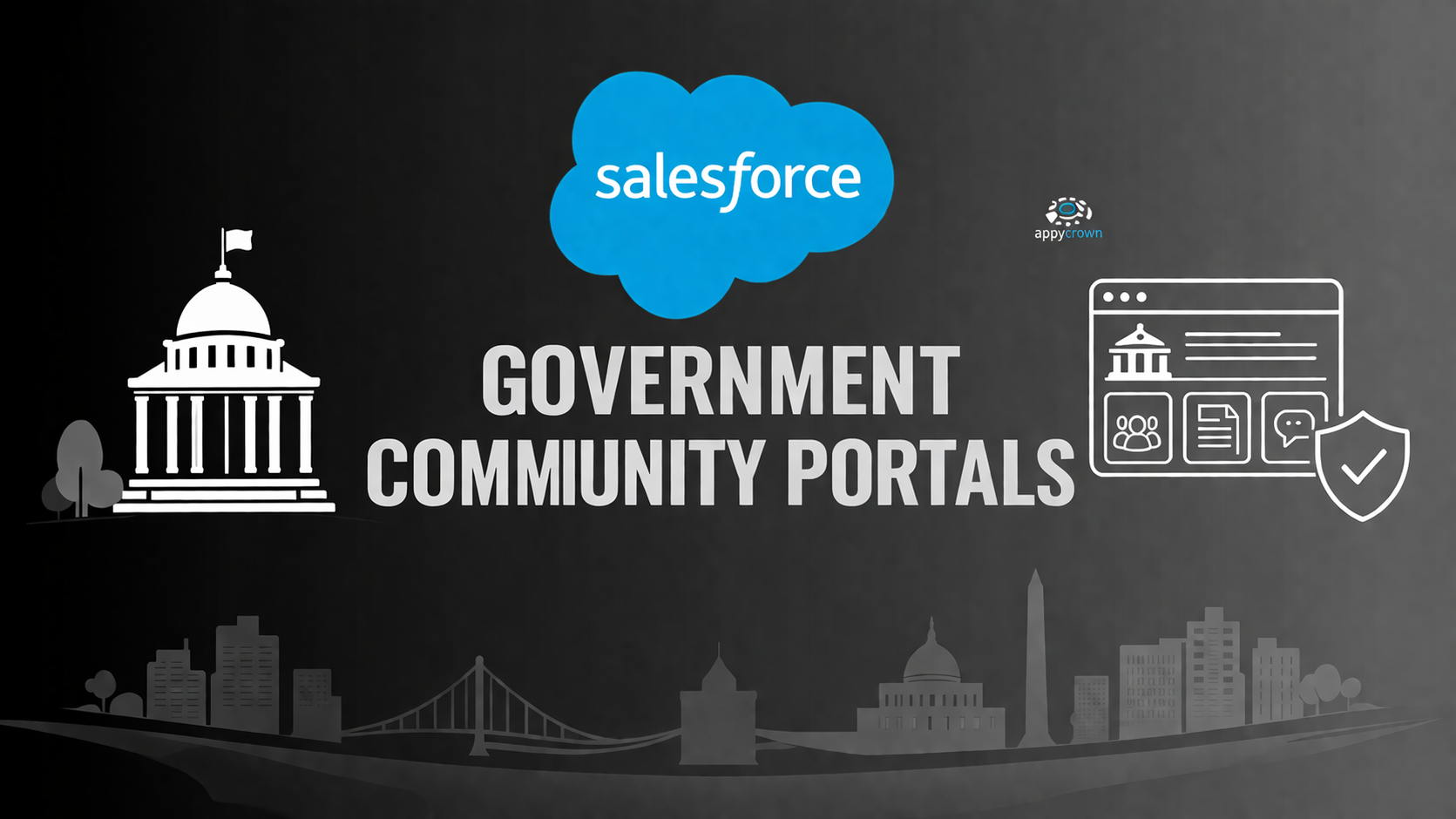
Salesforce Government Community Portals provide a secure, scalable platform for government agencies to engage with citizens, manage services, and share information transparently. It allows government organizations to build digital communities, streamline citizen interactions, automate service requests, and ensure compliance with public sector regulations. These portals enhance engagement, improve service delivery, and support collaborative workflows between departments and citizens.
Learner Prerequisites
- Basic understanding of Salesforce CRM and Government Cloud.
- Familiarity with public sector service processes and citizen engagement workflows.
- Knowledge of user management, roles, and permissions in Salesforce.
- Basic understanding of web portal concepts and community management.
Table of Contents
1. Introduction to Government Community Portals
1.1 Overview of Salesforce Community Portals
1.2 Key Benefits for Government Agencies
1.3 Types of Communities (Customer, Partner, Employee)
1.4 Community vs Traditional Government Websites
2. Community Setup and Configuration
2.1 Enabling Communities in Salesforce
2.2 Community Templates and Branding
2.3 Domain Configuration and URL Management
2.4 Navigation and Page Layouts
2.5 Setting Up Public and Private Communities
3. User and Role Management
3.1 Creating and Managing Users
3.2 Profiles, Roles, and Permission Sets
3.3 Community Licenses and Access Levels
3.4 Managing Guest and External Users
3.5 Best Practices for Security and Compliance
4. Content Management and Knowledge Sharing
4.1 Using Salesforce Knowledge in Communities
4.2 Creating and Managing Articles
4.3 Content Visibility and Access Control
4.4 Community Content Libraries and Resources
5. Citizen Engagement Features
5.1 Case Management and Service Requests
5.2 Discussion Boards and Forums
5.3 Events and Surveys in Communities
5.4 Social Features and Collaboration Tools
5.5 Notification and Alert Setup
6. Automation and Workflows
6.1 Using Flow Builder for Community Processes
6.2 Automating Approvals and Requests
6.3 Trigger-Based Notifications
6.4 Integrating with External Systems
7. Analytics and Reporting
7.1 Community Dashboards Overview
7.2 Tracking User Engagement Metrics
7.3 Reporting on Case and Service Requests
7.4 Custom Reports for Management Insights
8. Advanced Features and Integrations
8.1 Salesforce CMS Integration
8.2 Mobile Access for Community Users
8.3 Third-Party App Integrations
8.4 AI and Einstein Recommendations in Communities
9. Maintenance and Governance
9.1 Community Health and Usage Monitoring
9.2 Change Management for Portal Updates
9.3 Data Security and Compliance Considerations
9.4 Best Practices for Long-Term Community Management
Conclusion
Mastering Salesforce Government Community Portals equips government professionals to build secure, user-friendly, and highly engaging digital platforms. Leveraging automation, analytics, and advanced features ensures improved citizen satisfaction, efficient service delivery, and transparent government operations.
Reviews
There are no reviews yet.