


Description
Introduction
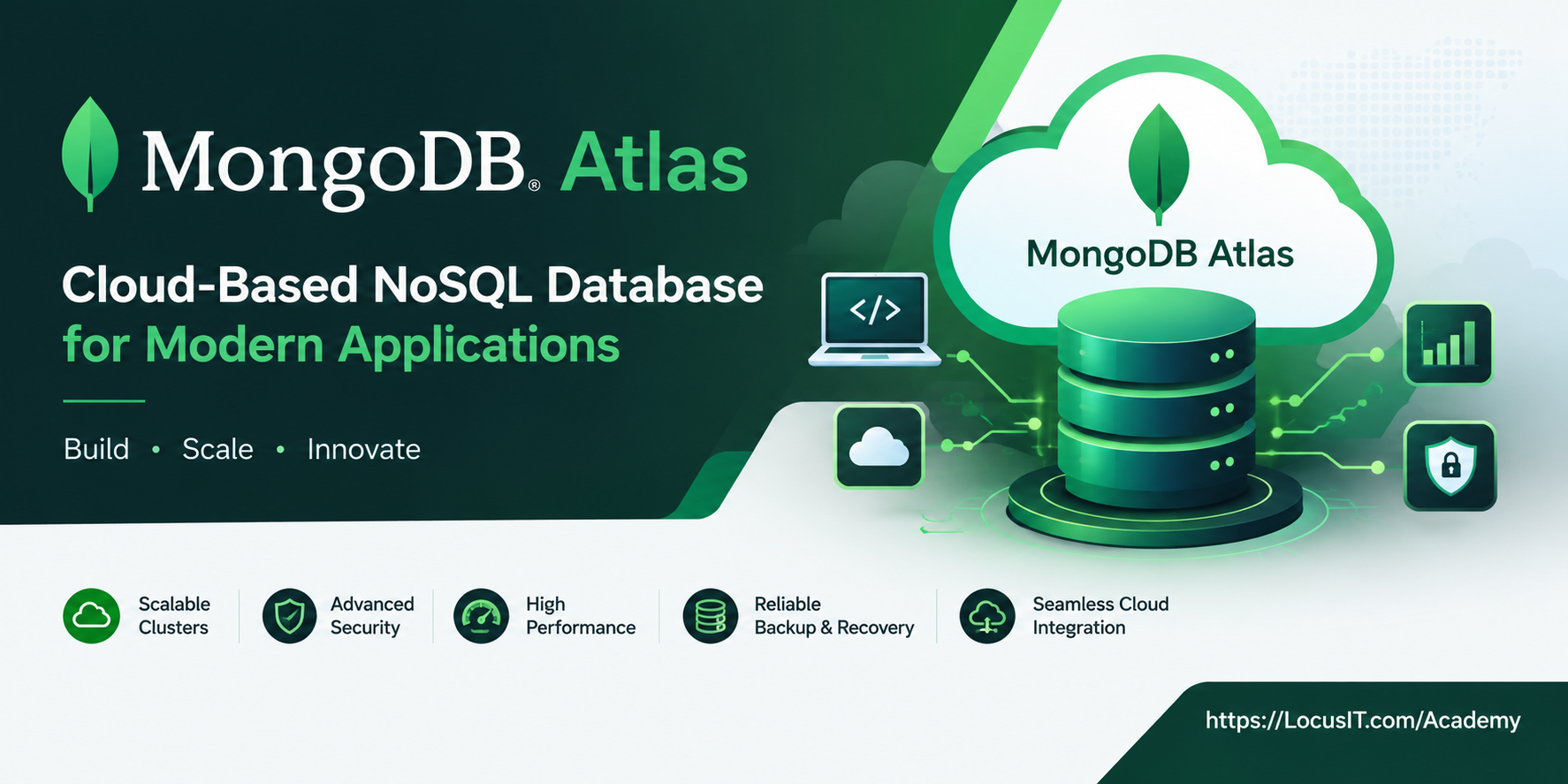
MongoDB Atlas Training is a fully managed, cloud-based NoSQL database service that simplifies database deployment, scaling, and management. Designed for modern applications, it offers advanced features like horizontal scaling, high availability, and flexible document-based data modeling. With its multi-cloud support and robust security, MongoDB Atlas allows developers to focus on building applications without worrying about database infrastructure.
Prerequisites
- Basic understanding of NoSQL databases.
- Familiarity with JSON and document-based data models.
- Awareness of cloud computing concepts.
- An active account on a supported cloud provider (AWS, Azure, or GCP).
Table of Contents
Module 1: Introduction to MongoDB Atlas
1.1 MongoDB Atlas Fundamentals
1.1.1 Understanding MongoDB Atlas and cloud databases
1.1.2 Exploring key features and business benefits
1.1.3 Comparing managed databases with self-hosted databases
1.2 MongoDB Atlas Architecture
1.2.1 Understanding clusters, databases, and collections
1.2.2 Exploring document-based data storage
1.2.3 Understanding common Atlas use cases
Module 2: Setting Up MongoDB Atlas
2.1 Account and Cluster Setup
2.1.1 Creating a MongoDB Atlas account
2.1.2 Creating and configuring a database cluster
2.1.3 Selecting cluster tiers and reviewing pricing
2.2 Navigating the Atlas Dashboard
2.2.1 Exploring the Atlas user interface
2.2.2 Managing projects and database deployments
2.2.3 Configuring network access and database users
2.3 Connecting to MongoDB Atlas
2.3.1 Connecting through MongoDB Shell
2.3.2 Connecting through MongoDB Compass
2.3.3 Testing database connectivity
Module 3: Working with Data in MongoDB Atlas
3.1 Document Management
3.1.1 Creating databases and collections
3.1.2 Inserting, updating, and deleting documents
3.1.3 Querying documents with MongoDB operators
3.2 Indexing and Query Optimization
3.2.1 Creating and managing indexes
3.2.2 Using compound and text indexes
3.2.3 Analyzing queries with execution statistics
3.3 Aggregation and Geospatial Data
3.3.1 Building aggregation pipelines
3.3.2 Transforming and grouping documents
3.3.3 Working with geospatial indexes and queries
Module 4: Scalability and High Availability
4.1 Scaling MongoDB Atlas Clusters
4.1.1 Understanding vertical and horizontal scaling
4.1.2 Exploring sharding and shard keys
4.1.3 Scaling cluster resources
4.2 High Availability and Multi-Region Deployment
4.2.1 Understanding replica sets and failover
4.2.2 Configuring multi-region deployments
4.2.3 Planning for availability and resilience
4.3 Scaling Best Practices
4.3.1 Managing workload distribution
4.3.2 Reviewing connection and resource usage
4.3.3 Applying effective scaling strategies
Module 5: Security in MongoDB Atlas
5.1 Authentication and User Management
5.1.1 Creating and managing database users
5.1.2 Configuring authentication methods
5.1.3 Applying role-based access control (RBAC)
5.2 Data Protection
5.2.1 Understanding encryption at rest and in transit
5.2.2 Configuring network access restrictions
5.2.3 Protecting credentials and sensitive information
5.3 Identity and Access Integration
5.3.1 Understanding identity provider integration
5.3.2 Managing access through supported authentication options
5.3.3 Reviewing security settings and audit requirements
Module 6: Atlas Triggers and Application Integration
6.1 Atlas Triggers
6.1.1 Understanding database and scheduled triggers
6.1.2 Configuring event-driven workflows
6.1.3 Testing trigger execution
6.2 Application Integration
6.2.1 Connecting applications to MongoDB Atlas
6.2.2 Integrating databases with application APIs
6.2.3 Handling errors and connection failures
6.3 Functions and Event-Driven Development
6.3.1 Understanding serverless application concepts
6.3.2 Exploring supported Atlas App Services capabilities
6.3.3 Designing event-driven application workflows
Module 7: Backup and Recovery
7.1 Backup Configuration
7.1.1 Understanding Atlas backup options
7.1.2 Configuring automated backups
7.1.3 Managing backup schedules and retention
7.2 Data Restoration
7.2.1 Restoring databases from backups
7.2.2 Validating restored data
7.2.3 Testing recovery procedures
7.3 Recovery Planning
7.3.1 Understanding point-in-time recovery
7.3.2 Defining recovery point and recovery time objectives
7.3.3 Applying backup and recovery best practices
Module 8: Performance Monitoring and Optimization
8.1 Atlas Monitoring Tools
8.1.1 Monitoring cluster health and resource usage
8.1.2 Reviewing database metrics and alerts
8.1.3 Identifying workload trends
8.2 Query Performance Analysis
8.2.1 Analyzing slow queries
8.2.2 Using query profiling and execution statistics
8.2.3 Improving index selection and query efficiency
8.3 Resource Optimization
8.3.1 Reviewing CPU, memory, and storage usage
8.3.2 Identifying performance bottlenecks
8.3.3 Applying database optimization techniques
Module 9: Integration with Cloud Ecosystems
9.1 Cloud Service Integration
9.1.1 Connecting Atlas with AWS services
9.1.2 Integrating Atlas with Microsoft Azure
9.1.3 Connecting Atlas with Google Cloud services
9.2 Containers and Application Deployment
9.2.1 Connecting applications running in Docker
9.2.2 Using MongoDB Atlas with Kubernetes environments
9.2.3 Managing application database connections
9.3 Analytics and Data Lakes
9.3.1 Connecting Atlas data to business intelligence tools
9.3.2 Exploring MongoDB Atlas Data Federation
9.3.3 Understanding data lake access and analytics workflows
Module 10: Advanced Features in MongoDB Atlas
10.1 MongoDB Atlas Search
10.1.1 Understanding full-text search capabilities
10.1.2 Creating search indexes
10.1.3 Building search queries and filters
10.2 Data Synchronization and Application Services
10.2.1 Understanding data synchronization concepts
10.2.2 Reviewing current Atlas application development options
10.2.3 Planning synchronization for connected applications
10.3 Data Federation and Advanced Capabilities
10.3.1 Querying data across supported sources
10.3.2 Understanding federated database access
10.3.3 Evaluating new Atlas capabilities for business needs
Module 11: Migrating to MongoDB Atlas
11.1 Migration Planning
11.1.1 Assessing existing MongoDB deployments
11.1.2 Identifying data and application dependencies
11.1.3 Preparing a migration plan
11.2 Migration Tools and Execution
11.2.1 Exploring MongoDB migration tools
11.2.2 Migrating data from self-hosted MongoDB
11.2.3 Monitoring migration progress
11.3 Validation and Post-Migration Testing
11.3.1 Validating migrated data
11.3.2 Testing application connectivity and performance
11.3.3 Resolving post-migration issues
Module 12: Real-World Applications of MongoDB Atlas
12.1 E-Commerce and Retail Applications
12.1.1 Managing product catalogs and customer data
12.1.2 Supporting order and inventory workflows
12.1.3 Building scalable retail applications
12.2 IoT and Real-Time Analytics
12.2.1 Storing and querying device data
12.2.2 Managing time-series workloads
12.2.3 Analyzing real-time application data
12.3 Web, Mobile, and Gaming Applications
12.3.1 Designing data models for web applications
12.3.2 Supporting mobile application data needs
12.3.3 Managing high-volume gaming workloads
Module 13: Hands-On Projects and Practical Assessment
13.1 Database Setup and Data Operations
13.1.1 Creating a cluster and configuring access
13.1.2 Importing and querying a sample dataset
13.1.3 Creating indexes and aggregation pipelines
13.2 Security and Performance Project
13.2.1 Applying database access controls
13.2.2 Monitoring database performance
13.2.3 Optimizing queries and resource usage
13.3 Migration and Recovery Project
13.3.1 Planning a sample database migration
13.3.2 Configuring backup and restoration
13.3.3 Testing data integrity and application connectivity
Conclusion
MongoDB Atlas offers an unparalleled experience for deploying and managing NoSQL databases in the cloud. Its scalability, flexibility, and ease of use make it a go-to solution for developers aiming to build modern applications. By leveraging its rich feature set and cloud-native architecture, organizations can focus on innovation while Atlas handles the complexities of database infrastructure.

Reviews
There are no reviews yet.