


Description
Introduction
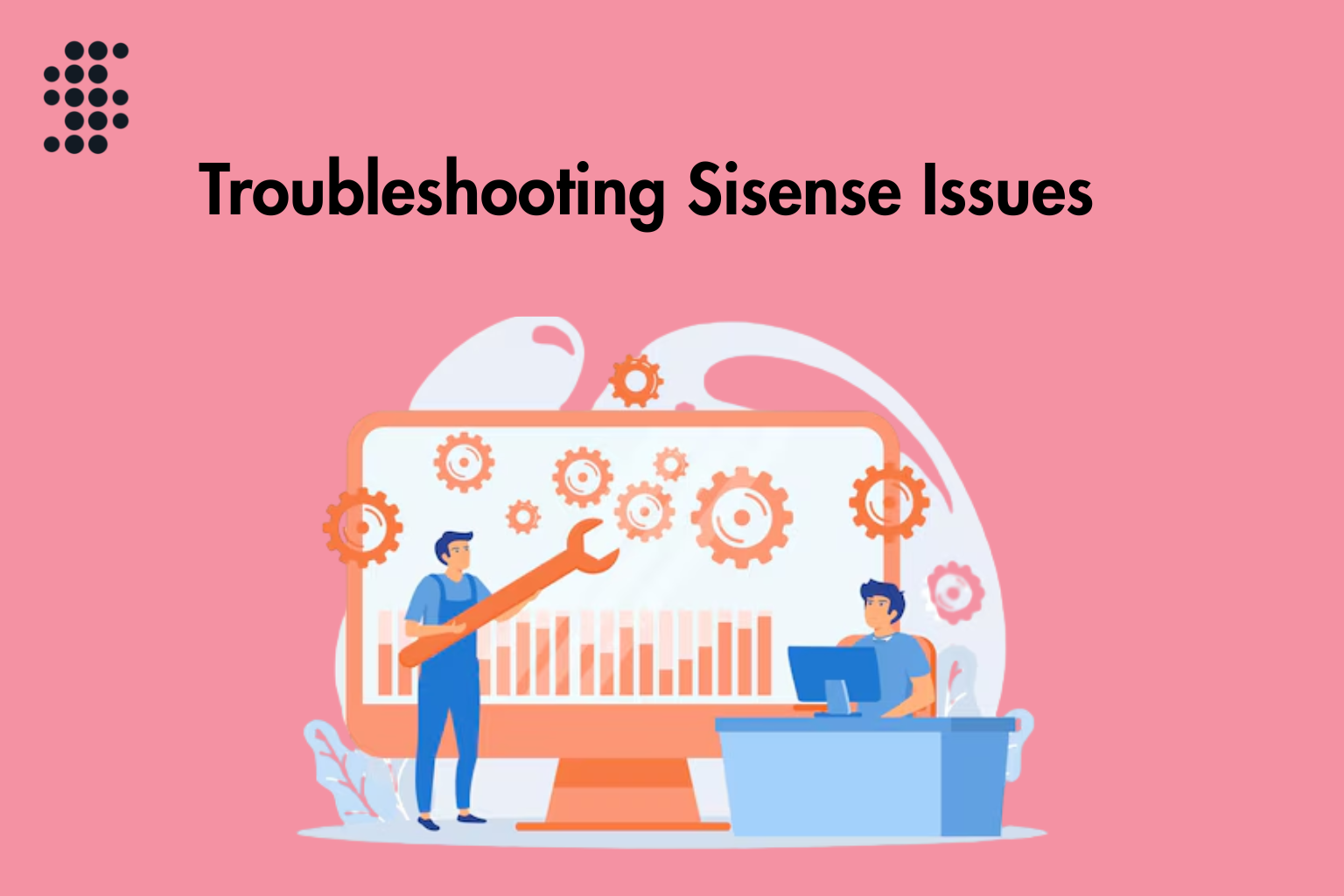
Sisense is a powerful business intelligence and analytics platform. It helps organizations convert complex data into clear insights. It does this through interactive dashboards and reports. The platform supports multiple data sources, data modeling, and visualization. It is widely used for enterprise reporting and self-service analytics. This training focuses on troubleshooting Sisense issues. It covers data, dashboards, performance, security, and system errors.
Learner Prerequisites
- Basic understanding of BI concepts and reporting tools
- Familiarity with Sisense dashboards and ElastiCube
- Knowledge of SQL or relational databases
- Awareness of APIs and data integration basics
- Problem-solving and analytical thinking skills
Table of Contents
1. Troubleshooting Sisense Overview
1.1 Understanding Sisense architecture and components
1.2 Identifying common system and data issues
1.3 Using a structured troubleshooting approach
1.4 Differentiating UI, data, and system problems
1.5 Following best troubleshooting practices
2. Data Connectivity Issues
2.1 Fixing database connection failures
2.2 Resolving authentication and credential errors
2.3 Handling API integration issues
2.4 Troubleshooting network and firewall blocks
2.5 Managing driver and connector issues
3. ElastiCube and Data Model Errors
3.1 Fixing build and refresh failures
3.2 Resolving schema and mapping errors
3.3 Handling joins and transformation issues
3.4 Solving scheduling and refresh conflicts
3.5 Improving data model performance
4. Dashboard and Visualization Problems
4.1 Fixing widgets not loading correctly
4.2 Resolving filter interaction issues
4.3 Repairing broken visualizations
4.4 Fixing dashboard data mismatches
4.5 Improving dashboard load speed
5. System Performance and Optimization Issues
5.1 Identifying slow dashboard performance
5.2 Fixing high CPU and memory usage
5.3 Optimizing query execution
5.4 Improving caching efficiency
5.5 Enhancing system responsiveness
6. User Access and Security Issues
6.1 Fixing role and permission errors
6.2 Resolving dashboard sharing issues
6.3 Fixing login and authentication problems
6.4 Managing user roles and groups
6.5 Handling SSO and identity issues
7. Scheduler and Job Failures
7.1 Fixing failed refresh jobs
7.2 Resolving scheduling delays
7.3 Handling automation errors
7.4 Fixing alert and notification failures
7.5 Monitoring and restarting failed jobs
8. Logs, Monitoring, and Diagnostics
8.1 Using logs for error analysis
8.2 Monitoring system health
8.3 Finding root causes of issues
8.4 Tracking recurring errors
8.5 Applying fixes and preventive actions
Conclusion
This training helps learners troubleshoot Sisense issues in a structured way. It covers data, dashboards, performance, security, and scheduling problems. In addition, it improves root-cause analysis skills. Learners will also understand how to use logs and diagnostics effectively. As a result, they can resolve issues faster and reduce system downtime. Finally, they will be able to maintain a stable and reliable Sisense environment for business users.


Reviews
There are no reviews yet.