


Description
Introduction
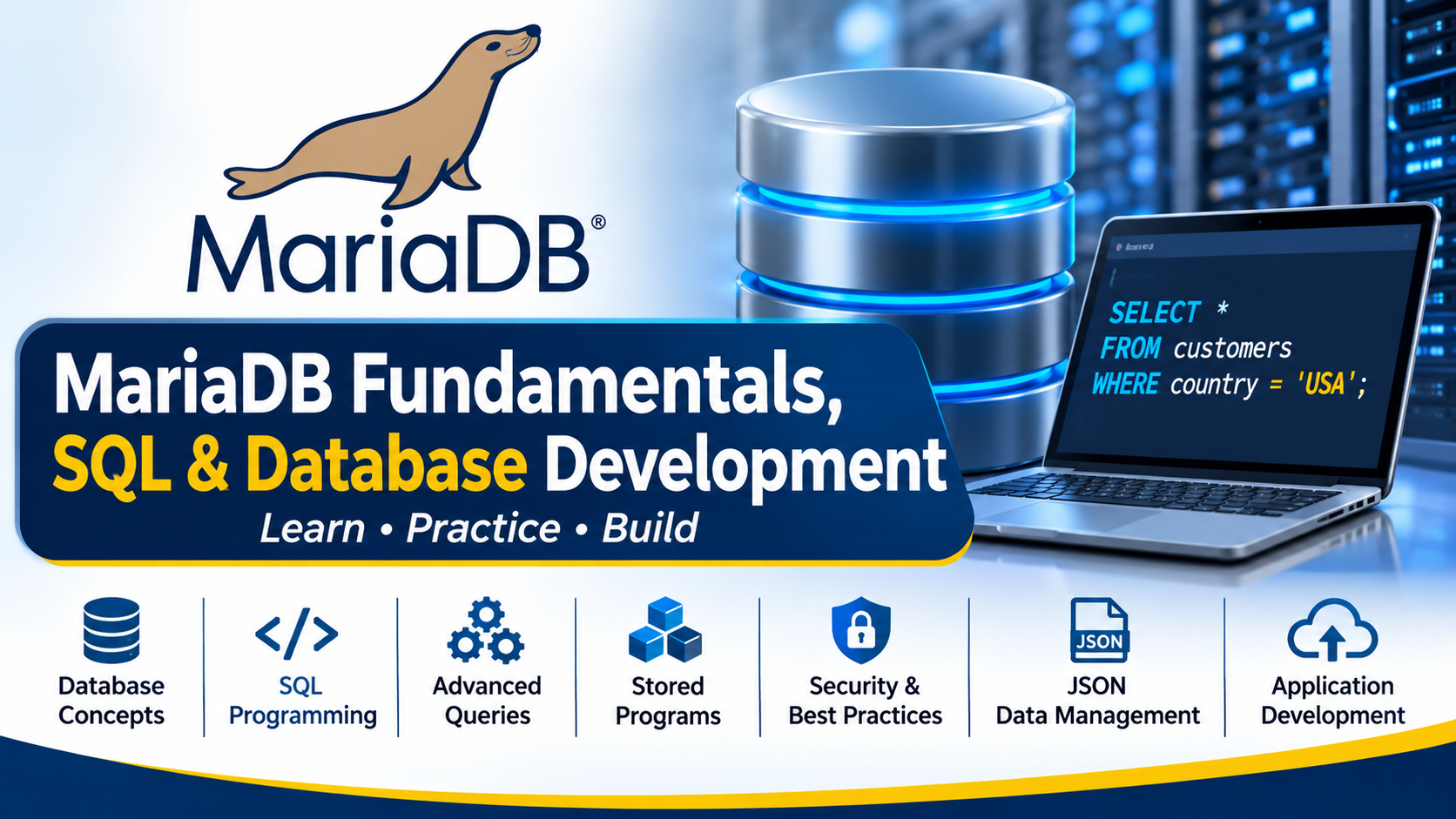
MariaDB Fundamentals, SQL & Database Development provides comprehensive knowledge of relational database concepts, MariaDB architecture, SQL programming, advanced querying, and database application development. The training covers database design, stored procedures, functions, triggers, JSON data management, and application connectivity. Participants gain practical experience in developing, managing, and working with MariaDB databases for real-world applications.
Prerequisites
-
Basic understanding of database concepts.
-
Familiarity with relational databases is recommended.
-
Basic knowledge of SQL is helpful but not mandatory.
-
Understanding of programming fundamentals is beneficial.
-
Basic command-line knowledge.
-
Familiarity with tables, rows, columns, and database relationships.
Estimated Duration
-
Beginner Level: 3 Days (18–20 Hours)
-
Intermediate Level: 5 Days (30–35 Hours)
-
Advanced Level: 7 Days (40–45 Hours)
-
Enterprise Level: 10 Days (50–60 Hours)
Training Lab Setup Specifications
-
Operating System: Windows 10/11, Ubuntu 22.04 LTS, or equivalent Linux distribution.
-
Database Server: MariaDB 10.6 or later.
-
Database Client: MariaDB command-line client.
-
GUI Tools: DBeaver or HeidiSQL.
-
Programming Environment: Python 3.x and/or PHP 8.x.
-
Processor: Minimum 2 CPU cores.
-
RAM: Minimum 4 GB (8 GB recommended).
-
Storage: At least 20 GB of available disk space.
-
Network: Internet connectivity for software installation and documentation.
-
Practice Database: Sample databases containing customers, products, orders, employees, and transactional data.
-
Access Permissions: Administrative privileges for database installation, configuration, and user management.
TABLE OF CONTENTS
Module 1: MariaDB Fundamentals and Database Concepts
1.1 Introduction to MariaDB
1.1.1 What Is MariaDB?
1.1.2 History and Evolution of MariaDB
1.1.3 MariaDB Community and Ecosystem
1.1.4 MariaDB Server Editions and Releases
1.1.5 MariaDB Use Cases
1.2 Relational Database Fundamentals
1.2.1 Relational Database Concepts
1.2.2 Tables, Rows, and Columns
1.2.3 Primary Keys and Foreign Keys
1.2.4 Relationships Between Tables
1.2.5 Constraints and Data Integrity
1.2.6 Normalization Fundamentals
1.3 MariaDB Architecture
1.3.1 MariaDB Server Architecture
1.3.2 Client-Server Model
1.3.3 Storage Engines
1.3.4 InnoDB Storage Engine
1.3.5 Connections and Sessions
1.3.6 MariaDB System Databases
1.4 Working with the MariaDB Client
1.4.1 Connecting to MariaDB
1.4.2 MariaDB Command-Line Interface
1.4.3 Executing SQL Statements
1.4.4 Working with Databases
1.4.5 Displaying Database and Table Information
1.4.6 Managing SQL Scripts
1.5 Data Types
1.5.1 Numeric Data Types
1.5.2 Character and String Data Types
1.5.3 Date and Time Data Types
1.5.4 Boolean Values
1.5.5 Binary Data Types
1.5.6 Choosing Appropriate Data Types
Module 2: SQL Programming with MariaDB
2.1 SQL Fundamentals
2.1.1 SQL Syntax and Conventions
2.1.2 SQL Statements and Clauses
2.1.3 SQL Keywords and Identifiers
2.1.4 Comments in SQL
2.1.5 Expressions and Operators
2.2 Data Definition Language
2.2.1 Creating Databases
2.2.2 Creating Tables
2.2.3 Altering Tables
2.2.4 Renaming Tables
2.2.5 Dropping Tables and Databases
2.2.6 Managing Constraints
2.3 Data Manipulation Language
2.3.1 INSERT Statements
2.3.2 UPDATE Statements
2.3.3 DELETE Statements
2.3.4 REPLACE Statements
2.3.5 Managing NULL Values
2.3.6 Bulk Data Operations
2.4 Data Retrieval
2.4.1 SELECT Statements
2.4.2 Filtering with WHERE
2.4.3 Sorting with ORDER BY
2.4.4 Limiting Results
2.4.5 DISTINCT Results
2.4.6 Column and Table Aliases
2.5 SQL Operators and Functions
2.5.1 Arithmetic Operators
2.5.2 Comparison Operators
2.5.3 Logical Operators
2.5.4 String Functions
2.5.5 Numeric Functions
2.5.6 Date and Time Functions
2.5.7 Conditional Functions
2.5.8 Aggregate Functions
Module 3: Advanced SQL and Data Querying
3.1 SQL Joins
3.1.1 Understanding Joins
3.1.2 INNER JOIN
3.1.3 LEFT JOIN
3.1.4 RIGHT JOIN
3.1.5 CROSS JOIN
3.1.6 Self Joins
3.1.7 Multiple-Table Joins
3.2 Grouping and Aggregation
3.2.1 GROUP BY
3.2.2 HAVING
3.2.3 Aggregate Calculations
3.2.4 Grouping Multiple Columns
3.2.5 Filtering Aggregated Results
3.3 Subqueries
3.3.1 Introduction to Subqueries
3.3.2 Scalar Subqueries
3.3.3 Multi-Row Subqueries
3.3.4 Correlated Subqueries
3.3.5 Subqueries with INSERT, UPDATE, and DELETE
3.4 Set Operations
3.4.1 UNION
3.4.2 UNION ALL
3.4.3 INTERSECT
3.4.4 EXCEPT
3.4.5 Combining Result Sets
3.5 Views
3.5.1 Creating Views
3.5.2 Querying Views
3.5.3 Updating Data Through Views
3.5.4 Altering Views
3.5.5 Dropping Views
3.5.6 Benefits and Limitations of Views
3.6 Common Table Expressions and Advanced Queries
3.6.1 Common Table Expressions
3.6.2 Recursive Queries
3.6.3 Window Functions
3.6.4 Ranking and Analytical Functions
3.6.5 Complex Query Design
Module 4: MariaDB Database Development and Stored Programs
4.1 Stored Procedures
4.1.1 Introduction to Stored Procedures
4.1.2 Creating Stored Procedures
4.1.3 Procedure Parameters
4.1.4 Local Variables
4.1.5 Conditional Logic
4.1.6 Loops and Iteration
4.1.7 Calling Stored Procedures
4.2 Stored Functions
4.2.1 Introduction to Stored Functions
4.2.2 Creating User-Defined Functions
4.2.3 Function Parameters
4.2.4 Return Values
4.2.5 Using Functions in SQL Statements
4.2.6 Procedures vs. Functions
4.3 Triggers and Events
4.3.1 Introduction to Triggers
4.3.2 BEFORE and AFTER Triggers
4.3.3 INSERT, UPDATE, and DELETE Triggers
4.3.4 Trigger Use Cases
4.3.5 MariaDB Events
4.3.6 Scheduling Database Events
4.4 Error and Transaction Handling
4.4.1 Transaction Fundamentals
4.4.2 COMMIT and ROLLBACK
4.4.3 SAVEPOINT
4.4.4 Error Handling
4.4.5 Exception Handling in Stored Programs
4.5 Database Application Development
4.5.1 Connecting Applications to MariaDB
4.5.2 MariaDB Connectors
4.5.3 Python Database Connectivity
4.5.4 PHP Database Connectivity
4.5.5 Executing Parameterized Queries
4.5.6 Prepared Statements
4.5.7 Handling Query Results
4.5.8 Database Transactions from Applications
Module 5: MariaDB JSON and Modern Data Management
5.1 JSON Fundamentals
5.1.1 Introduction to JSON
5.1.2 JSON Documents and Structures
5.1.3 JSON Objects and Arrays
5.1.4 Storing JSON Data in MariaDB
5.2 Working with JSON Data
5.2.1 Creating JSON Values
5.2.2 Extracting JSON Data
5.2.3 Searching JSON Documents
5.2.4 Modifying JSON Data
5.2.5 Validating JSON Data
5.2.6 JSON Functions
5.3 JSON Application Development
5.3.1 Using JSON with SQL Queries
5.3.2 Combining Relational and JSON Data
5.3.3 JSON Data Modeling
5.3.4 JSON-Based Application Use Cases
5.3.5 JSON Performance Considerations
Module 6: Database Design, Security and Development Best Practices
6.1 Database Design
6.1.1 Database Modeling
6.1.2 Entity-Relationship Concepts
6.1.3 Normalization and Denormalization
6.1.4 Choosing Keys and Constraints
6.1.5 Designing Efficient Tables
6.2 Indexing Fundamentals
6.2.1 Understanding Indexes
6.2.2 Creating Indexes
6.2.3 Single-Column Indexes
6.2.4 Composite Indexes
6.2.5 Index Selection
6.2.6 Indexing Best Practices
6.3 Basic Database Security for Developers
6.3.1 SQL Injection
6.3.2 Parameterized Queries
6.3.3 Secure Database Connections
6.3.4 Application Database Accounts
6.3.5 Least-Privilege Principles
6.4 Development Best Practices
6.4.1 SQL Coding Standards
6.4.2 Query Optimization Basics
6.4.3 Transaction Management
6.4.4 Error Handling
6.4.5 Database Change Management
6.4.6 Testing Database Applications
Module 7: Practical Labs and Capstone Project
7.1 MariaDB Environment Setup
7.1.1 Install MariaDB Server
7.1.2 Configure the MariaDB Client
7.1.3 Create the Training Database
7.1.4 Load Sample Data
7.2 SQL Development Labs
7.2.1 Create and Modify Tables
7.2.2 Insert and Update Data
7.2.3 Write SELECT Queries
7.2.4 Build Multi-Table Joins
7.2.5 Develop Subqueries and CTEs
7.2.6 Create Views
7.3 Stored Program Labs
7.3.1 Develop Stored Procedures
7.3.2 Develop Stored Functions
7.3.3 Create Triggers
7.3.4 Implement Error Handling
7.3.5 Create Scheduled Events
7.4 Application Development Lab
7.4.1 Connect a Python Application to MariaDB
7.4.2 Execute Parameterized Queries
7.4.3 Implement CRUD Operations
7.4.4 Implement Transactions
7.4.5 Process JSON Data
7.5 Capstone Project
7.5.1 Design a Relational Database
7.5.2 Create Tables and Constraints
7.5.3 Develop SQL Queries
7.5.4 Implement Stored Programs
7.5.5 Connect the Database to an Application
7.5.6 Test and Optimize the Solution
7.5.7 Present the Completed Database Application
Conclusion
This MariaDB training provides practical knowledge of relational database management, SQL programming, advanced queries, stored programs, JSON data handling, and application development. Participants will develop the skills required to design database structures, write efficient SQL queries, build database-driven applications, and implement reliable database solutions using MariaDB.



Reviews
There are no reviews yet.