


Description
Introduction
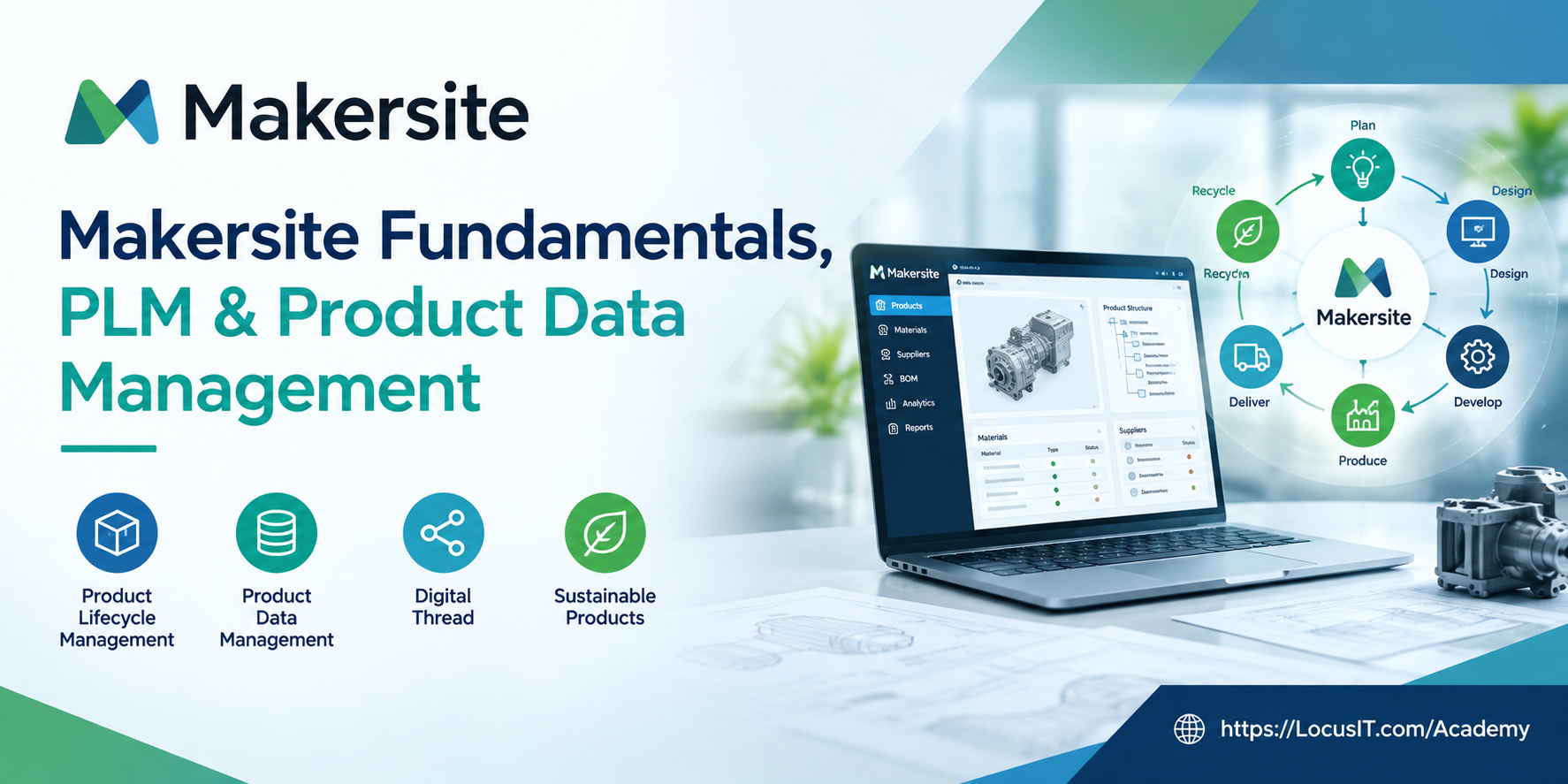
Makersite Fundamentals, PLM & Product Data Management training introduces learners to the Makersite platform and its role in product lifecycle management, product data management, digital thread management, and product intelligence. The training covers product information organization, product structures, Bill of Materials (BOM), material data, supplier information, and product lifecycle data analysis to support informed engineering, procurement, and sustainability decisions.
Prerequisites
- Basic understanding of product lifecycle management (PLM) concepts.
- Familiarity with product development and manufacturing processes.
- Basic knowledge of product data, materials, and Bill of Materials (BOM).
- Basic understanding of supply chains and supplier information.
- Familiarity with web-based enterprise software applications.
- Basic computer skills and spreadsheet knowledge.
Estimated Duration
- Beginner Level: 2–3 days (12–18 hours)
- Intermediate Level: 3–5 days (18–30 hours)
- Advanced Level: 5–7 days (30–42 hours)
- Enterprise Level: 1–2 weeks (40–60 hours, depending on organizational requirements)
Training Lab Setup Specifications
- Operating System: Windows 10/11, macOS, or a supported enterprise operating system.
- Processor: Intel Core i5 or equivalent AMD processor; Intel Core i7 or equivalent recommended for multitasking.
- RAM: Minimum 8 GB; 16 GB recommended.
- Storage: Minimum 10 GB of free disk space for downloaded learning materials and sample datasets.
- Browser: Updated Google Chrome, Microsoft Edge, or Mozilla Firefox.
- Internet Connection: Stable broadband connection for accessing the Makersite platform.
- Makersite Access: Valid Makersite account, platform access, and required permissions provided by the organization or platform administrator.
- Learning Materials: Sample product data, BOM files, material information, supplier datasets, and product lifecycle examples.
- Software Tools: Microsoft Excel or a compatible spreadsheet application for reviewing and preparing product data.
- Security Requirements: Required organizational authentication, VPN, and access permissions, where applicable.
Table of Contents
Module 1: Makersite Fundamentals and Platform Overview
1.1 Introduction to Makersite
1.1.1 Overview of the Makersite platform
1.1.2 Purpose and key capabilities of Makersite
1.1.3 Role of Makersite in product development and manufacturing
1.1.4 Makersite applications across product lifecycle stages
1.2 Makersite Platform Architecture and Navigation
1.2.1 Platform interface and workspace navigation
1.2.2 Main platform features and functional areas
1.2.3 User access, roles, and permissions
1.2.4 Working with product information and platform views
1.3 Core Concepts and Terminology
1.3.1 Product lifecycle management (PLM) fundamentals
1.3.2 Product data management fundamentals
1.3.3 Digital thread and connected product information
1.3.4 Product intelligence and data-driven decision-making
Module 2: Product Lifecycle Management (PLM)
2.1 PLM Fundamentals and Business Processes
2.1.1 Introduction to product lifecycle management
2.1.2 Product lifecycle stages and workflows
2.1.3 Product development and engineering processes
2.1.4 PLM collaboration across business functions
2.2 Product Lifecycle Data Management
2.2.1 Product information throughout the lifecycle
2.2.2 Product data relationships and dependencies
2.2.3 Managing product information across lifecycle stages
2.2.4 Product data consistency and traceability
2.3 Makersite for Product Lifecycle Insights
2.3.1 Connecting product information across lifecycle stages
2.3.2 Understanding product composition and structure
2.3.3 Using product information to support business decisions
2.3.4 Introduction to lifecycle-based product analysis
Module 3: Product Data and Digital Thread Management
3.1 Product Data Fundamentals
3.1.1 Types of product data and attributes
3.1.2 Product identifiers and classification
3.1.3 Product data organization and relationships
3.1.4 Product data quality and consistency
3.2 Digital Thread and Data Connectivity
3.2.1 Introduction to the digital thread concept
3.2.2 Connecting product, material, and supplier information
3.2.3 Understanding relationships between product datasets
3.2.4 Product information traceability and data visibility
3.3 Product Data Integration Concepts
3.3.1 Overview of product data sources
3.3.2 Importing and preparing product datasets
3.3.3 Data mapping and attribute alignment
3.3.4 Data validation and error identification
Module 4: Bill of Materials (BOM) and Product Structure Management
4.1 Bill of Materials Fundamentals
4.1.1 Introduction to Bill of Materials (BOM)
4.1.2 Types and structures of BOM
4.1.3 BOM components, materials, and quantities
4.1.4 Parent-child relationships in product structures
4.2 Product Structure and Component Relationships
4.2.1 Product hierarchy and component organization
4.2.2 Component attributes and product relationships
4.2.3 Multi-level BOM structure concepts
4.2.4 Product composition and component traceability
4.3 BOM Data Preparation and Validation
4.3.1 Preparing BOM data for analysis
4.3.2 Reviewing BOM attributes and component information
4.3.3 Identifying missing or inconsistent product data
4.3.4 Validating product structure information
Module 5: Materials, Suppliers, and Product Information
5.1 Material Data Management
5.1.1 Introduction to material data and attributes
5.1.2 Material identification and classification
5.1.3 Material properties and composition information
5.1.4 Relationships between materials and product components
5.2 Supplier Information Management
5.2.1 Supplier data fundamentals
5.2.2 Supplier identification and classification
5.2.3 Linking suppliers to materials and components
5.2.4 Supplier information quality and traceability
5.3 Product, Material, and Supplier Relationships
5.3.1 Connecting product structures with material information
5.3.2 Understanding supplier and component dependencies
5.3.3 Reviewing product and supplier data relationships
5.3.4 Using connected information for product analysis
Module 6: Product Data Analysis, Reporting, and Practical Exercises
6.1 Product Information Analysis
6.1.1 Reviewing product structures and attributes
6.1.2 Exploring material and component information
6.1.3 Identifying missing and inconsistent product data
6.1.4 Understanding product data dependencies
6.2 Product Data Reporting and Visualization
6.2.1 Overview of product information views and reports
6.2.2 Interpreting product and component data
6.2.3 Reviewing material and supplier information
6.2.4 Communicating product data insights
6.3 Hands-on Practical Exercises
6.3.1 Navigating the Makersite platform
6.3.2 Reviewing a sample product dataset
6.3.3 Examining BOM and product component relationships
6.3.4 Reviewing material and supplier information
6.3.5 Identifying product data quality issues
6.3.6 Preparing a summary of product data findings



Reviews
There are no reviews yet.