


Description
Introduction
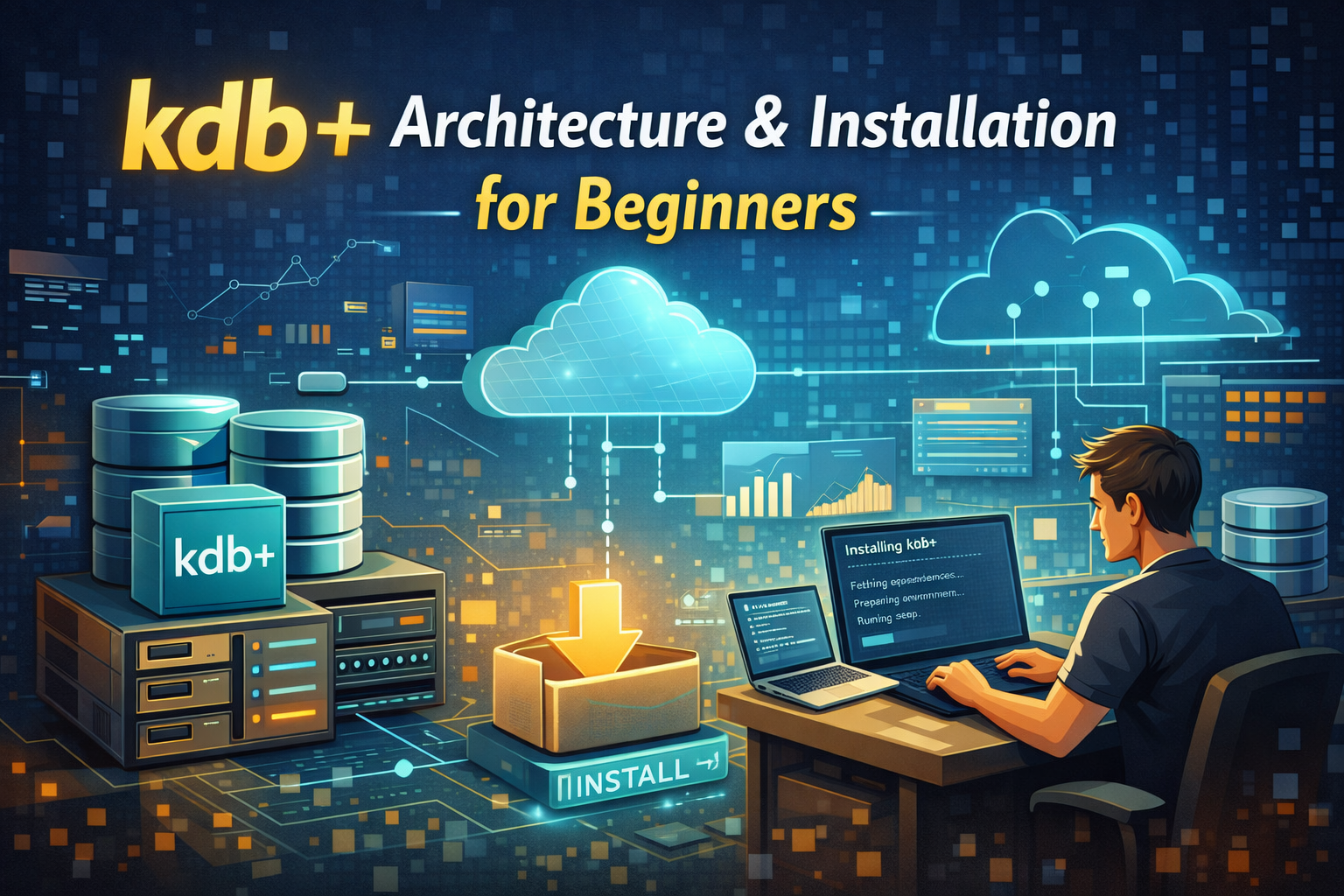
kdb+ is a high-performance time-series database widely used in industries such as finance, telecommunications, energy, and IoT for real-time analytics and ultra-fast data processing. Powered by the q language, kdb+ enables organizations to handle massive volumes of structured and streaming data with exceptional speed and efficiency.
This beginner-friendly training provides a solid foundation in kdb+ architecture and installation. Participants will learn how kdb+ works internally, understand its core components, and gain hands-on experience installing and configuring kdb+ across different operating systems. By the end of this course, learners will confidently set up their own kdb+ environment and understand how its architecture supports high-performance data analytics.
Prerequisites
- Basic understanding of databases (RDBMS or NoSQL)
- Familiarity with command-line interfaces (Windows/Linux/Mac)
- Basic programming knowledge (any language)
- General understanding of client-server architecture
- Interest in time-series data or real-time analytics
Table of Contents
Module 1: Introduction to kdb+
- What is kdb+?
- History and Evolution of kdb+
- Key Features and Capabilities
- Use Cases Across Industries
- kdb+ vs Traditional Databases
Module 2: Understanding kdb+ Architecture
- Core Architectural Concepts
- In-Memory vs On-Disk Storage
- Columnar Database Structure
- Process-Based Architecture
- Inter-Process Communication (IPC)
- Tickerplant Architecture Overview
- Real-Time Database (RDB)
- Historical Database (HDB)
- Gateway and Feed Handlers
- Scalability and Performance Considerations
Module 3: Environment Setup & Installation
- System Requirements
- Supported Operating Systems
- Downloading kdb+ from KX
- Installation on:
- Windows
- Linux
- macOS
- Setting Environment Variables
- Directory Structure Overview
- Verifying Installation
Module 4: First Steps with q
- Launching the q Console
- Understanding the q Prompt
- Running Basic Commands
- Loading Scripts
- Creating and Saving Tables
- Simple Queries
Module 5: Working with kdb+ Processes
- Starting kdb+ with Port Configuration
- Client-Server Connections
- Running Multiple Processes
- Testing IPC Communication
- Logging and Monitoring Basics
Module 6: Data Storage & Database Structure
- Splayed Tables
- Partitioned Databases
- Creating a Simple HDB
- Data Loading Techniques
- Compression and Performance Basics
Module 7: Deployment & Best Practices
- Basic Deployment Architecture
- Security Considerations
- Backup and Recovery Basics
- Folder Structure Best Practices
- Common Installation Issues & Troubleshooting

Reviews
There are no reviews yet.