


Description
Introduction:
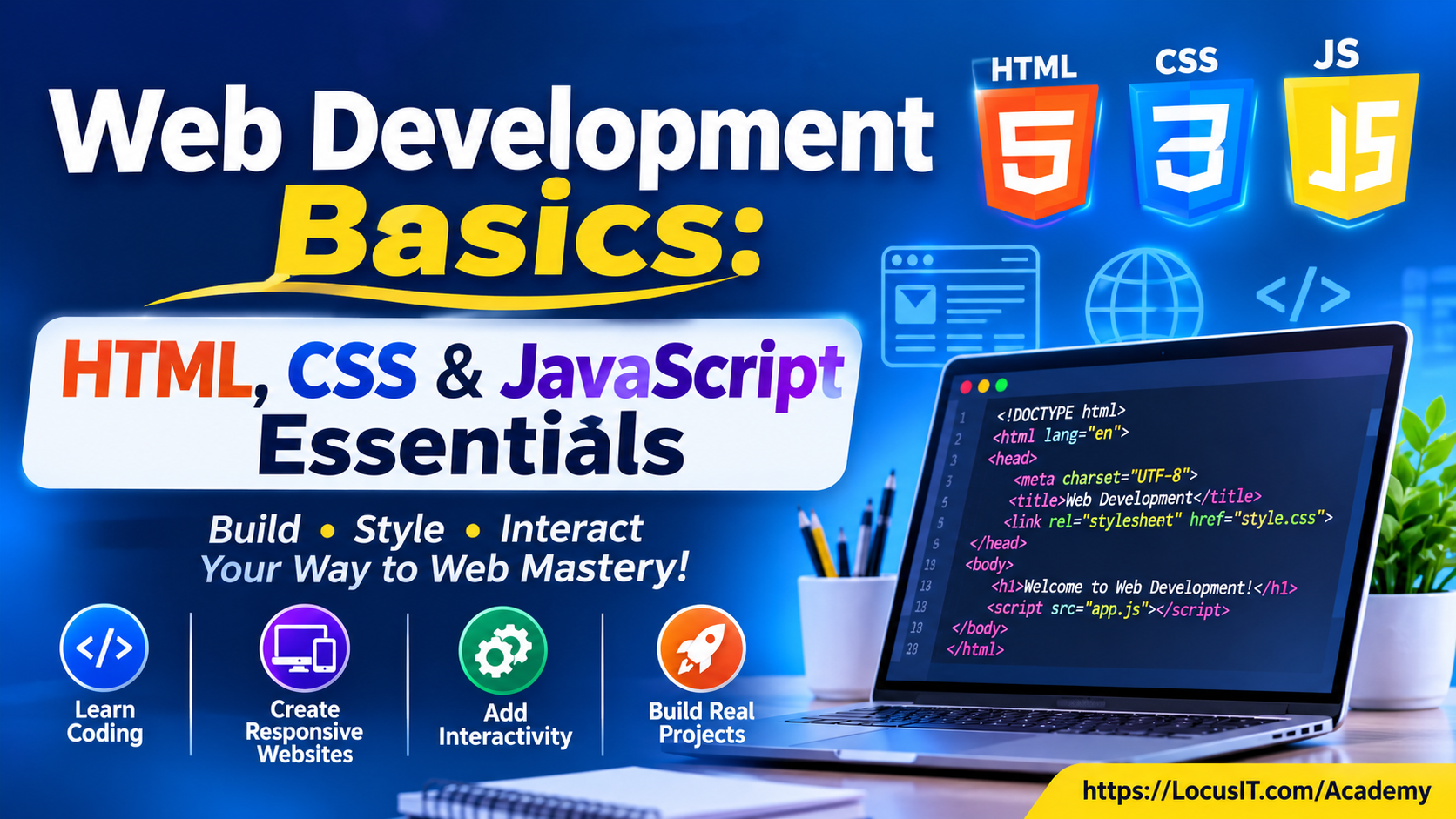
HTML CSS JavaScript Basics provides a strong foundation in web development by teaching the essential building blocks of the web: HTML for structure, CSS for styling, and JavaScript for interactivity. Participants will learn how to create responsive, user-friendly web pages and understand how modern websites function from the ground up.
Prerequisites:
- Basic computer usage
- Interest in learning web technologies
- No prior programming experience required
Table of Contents:
Module 1: Introduction to HTML CSS JavaScript Basics
1.1 Web Development Fundamentals
1.1.1 How Websites Work
1.1.2 Front-End and Back-End Development
1.1.3 Client-Server Architecture
1.2 Development Environment
1.2.1 Installing Visual Studio Code
1.2.2 Browser Setup and Developer Tools
Module 2: HTML Fundamentals
2.1 HTML Document Structure
2.1.1 HTML Elements and Attributes
2.1.2 Headings, Paragraphs, and Text Formatting
2.2 HTML Page Components
2.2.1 Links, Images, and Lists
2.2.2 Tables and Forms
2.2.3 Semantic HTML Elements
Module 3: CSS Fundamentals
3.1 CSS Syntax and Styling
3.1.1 Selectors and Properties
3.1.2 Colors, Fonts, and Backgrounds
3.2 Layout and Positioning
3.2.1 Box Model and Display Properties
3.2.2 Flexbox and CSS Grid
3.2.3 Spacing and Positioning
Module 4: Responsive Web Design (HTML CSS JavaScript Basics)
4.1 Responsive Design Principles
4.1.1 Mobile-First Design
4.1.2 Viewports and Media Queries
4.2 Responsive Layout Development
4.2.1 Flexible Images and Layouts
4.2.2 Responsive Navigation and Components
Module 5: JavaScript Essentials
5.1 JavaScript Fundamentals
5.1.1 Variables and Data Types
5.1.2 Operators and Expressions
5.1.3 Conditional Statements and Loops
5.2 Functions and Data Structures
5.2.1 Functions and Scope
5.2.2 Arrays and Objects
Module 6: DOM Manipulation and Events
6.1 Document Object Model
6.1.1 DOM Structure and Selection
6.1.2 Creating and Modifying Elements
6.2 Event Handling
6.2.1 Event Listeners and User Actions
6.2.2 Form Validation and Interactivity
Module 7: Modern JavaScript and Data Handling
7.1 Modern JavaScript Features
7.1.1 Arrow Functions and Template Literals
7.1.2 Destructuring and Modules
7.2 Working with Data
7.2.1 JSON Fundamentals
7.2.2 Fetch API and Asynchronous JavaScript
Module 8: Website Development and Integration
8.1 Building Complete Web Pages
8.1.1 Integrating HTML, CSS, and JavaScript
8.1.2 Creating Navigation and Reusable Components
8.2 Website Functionality
8.2.1 Interactive Forms and Validation
8.2.2 Basic Website Accessibility
Module 9: Testing, Debugging, and Version Control
9.1 Testing and Debugging
9.1.1 Browser Developer Tools
9.1.2 Debugging HTML, CSS, and JavaScript
9.2 Version Control
9.2.1 Git Fundamentals
9.2.2 GitHub Repositories and Collaboration
Module 10: Practical Website Development Projects
10.1 Website Design Project
10.1.1 Build a Responsive Personal Website
10.1.2 Create a Multi-Page Website
10.2 Interactive Web Project
10.2.1 Develop an Interactive Web Application
10.2.2 Test and Publish the Website
Conclusion
Participants gain practical experience in HTML, CSS, and JavaScript. They learn to create responsive web pages, add interactive functionality, debug code, and publish basic websites.
https://developer.mozilla.org/en-US/docs/Learn_web_development



Reviews
There are no reviews yet.