


Description
Introduction
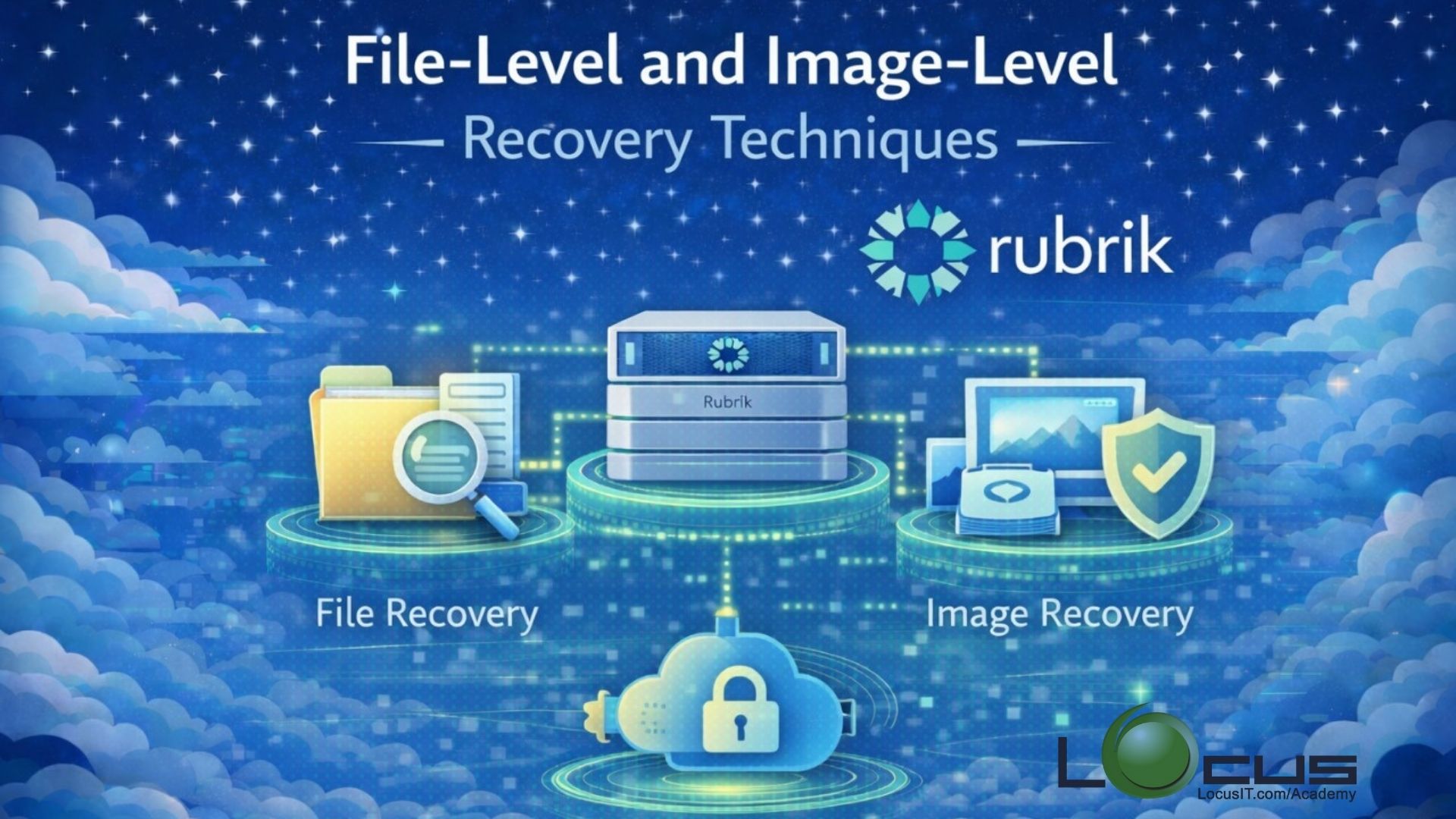
Data recovery is a critical component of any backup and disaster recovery strategy. In Rubrik, recovery can be performed at both the file level and image level, providing flexibility to restore individual files, folders, or entire systems as needed. This training will help participants understand the mechanisms, tools, and best practices for performing efficient and reliable recoveries using Rubrik.
Prerequisites
- Basic understanding of Rubrik – Familiarity with Rubrik interface, policies, and SLA domains.
- Knowledge of backup concepts – Understanding of snapshots, incremental backups, and replication.
- Familiarity with the environment – Access to a test or sandbox environment with Rubrik deployed.
- Operating system knowledge – Basic knowledge of Windows and Linux file systems.
- VMware / Hyper-V awareness (if image-level recovery involves VMs).
Table of Contents
-
Overview of Recovery Types in Rubrik
- File-Level Recovery vs Image-Level Recovery
- When to use each recovery type
- Supported workloads for each recovery method
-
Navigating Rubrik for Recovery Operations
- Rubrik UI and Dashboard overview
- Accessing recovery options
- Understanding snapshots and recovery points
-
File-Level Recovery Techniques
- Browsing and searching for files
- Restoring files to original or alternate locations
- Version history and file retention considerations
- Permissions and access considerations during file restores
-
Image-Level Recovery Techniques
- Restoring full virtual machines or physical systems
- Instant Recovery (Live Mount)
- Bootable recovery for VMs and physical servers
- Cross-platform recovery and P2V / V2V recovery scenarios
-
Advanced Recovery Scenarios
- Granular application-level recovery (e.g., SQL, Exchange)
- Restoring to a different location or environment
- Multi-VM recovery strategies
-
Recovery Best Practices
- Pre-recovery checklist and verification
- Minimizing downtime during recovery
- Ensuring data consistency
- Handling large datasets
-
Troubleshooting Recovery Issues
- Common errors and their resolutions
- Logs and diagnostic tools in Rubrik
- Escalation and support guidelines
-
Hands-On Labs / Practical Exercises
- File-level recovery from a snapshot
- Image-level recovery of a VM
- Instant Recovery practice
- Cross-platform restore exercise
-
Q&A and Wrap-Up
- Recap of key points
- Open discussion and real-world scenarios


Reviews
There are no reviews yet.