


Description
Introduction:
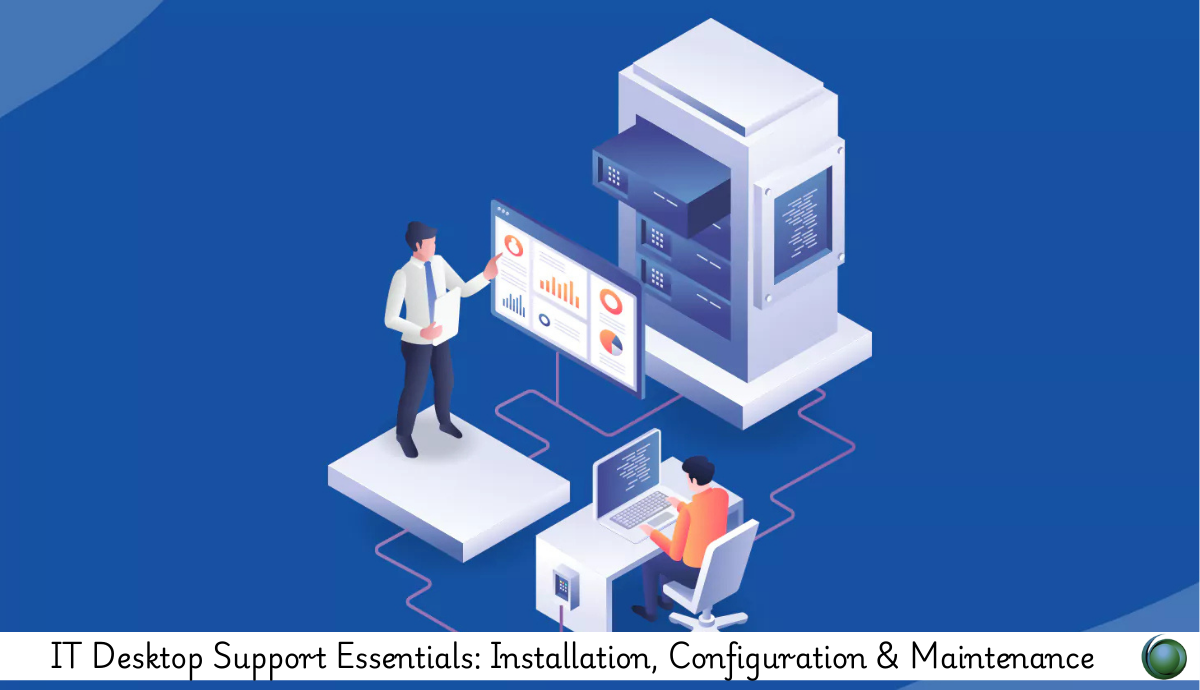
This training provides comprehensive skills for installing, configuring, and maintaining desktop systems in modern IT environments. Participants will learn system setup, software deployment, network configuration, security practices, and effective troubleshooting for smooth end-user operations.
Prerequisites:
Basic computer usage knowledge
Understanding of Windows OS
Interest in IT support or helpdesk roles
Familiarity with basic hardware components
Table of Contents:
1. Introduction to Desktop Support Essentials
1.1 Overview of Desktop Support Roles & Responsibilities
1.2 IT Support Levels (L1, L2, L3)
1.3 Understanding SLAs, Ticketing & Escalation
1.4 Common Tools Used in Desktop Support (ServiceNow, JIRA, SCCM)
2. Hardware Installation & Setup
2.1 Identifying Hardware Components
2.2 Assembling Desktops: Step-by-Step Process
2.3 BIOS/UEFI Configuration Basics
2.4 Installing & Upgrading RAM, Storage & Peripherals
2.5 Hardware Compatibility & System Requirements
2.6 Hardware Testing & Diagnostics Tools
3. Operating System Installation & Configuration
3.1 Windows OS Installation Methods (USB, Imaging, PXE)
3.2 Initial System Configuration & Setup
3.3 Creating User Accounts & Permissions
3.4 Configuring Updates, Drivers & Essential Software
3.5 Windows Features, Services & Administrative Tools
3.6 System Backup, Restore Points & Recovery
4. Software Deployment & Maintenance
4.1 Installing Essential Applications
4.2 Software Licensing & Compliance
4.3 Application Updates & Patch Management
4.4 Managing Startup Programs & Services
4.5 Handling Software Conflicts & Errors
4.6 Automated Deployment Tools (SCCM, Intune basics)
5. Network Configuration & Connectivity
5.1 Understanding IP Addressing & Subnets
5.2 Configuring Wi-Fi & LAN Connections
5.3 Troubleshooting Network Connectivity
5.4 Mapping Drives, Printers & Shared Resources
5.5 DNS, DHCP & Common Network Tools
5.6 VPN Setup & Remote Access Support
6. Device & Peripheral Configuration
6.1 Configuring Printers (USB, Network, Wi-Fi)
6.2 Display Settings, Monitors & Projection Issues
6.3 USB, Bluetooth & External Device Management
6.4 Drivers, Firmware & Device Manager Diagnostics
6.5 Handling Peripheral Compatibility Issues
7. System Maintenance & Optimization
7.1 Preventive Maintenance Tasks
7.2 Disk Cleanup, Defragmentation & Storage Optimization
7.3 Managing Logs, Event Viewer & Performance Tools
7.4 Updating OS, Drivers & Firmware
7.5 Energy Saver Settings & Device Longevity Tips
8. Troubleshooting & Problem Resolution
8.1 Troubleshooting Framework (Identify–Isolate–Resolve)
8.2 Common Hardware Problems & Fixes
8.3 OS Boot Issues, Crashes & Slow Performance
8.4 Application Crashes & Error Resolution
8.5 Remote Troubleshooting Tools (RDP, TeamViewer)
8.6 Documentation for Troubleshooting & Ticket Closure
9. Security & Compliance Essentials
9.1 Basic Cybersecurity Practices
9.2 Antivirus, Malware Protection & Scanning
9.3 User Access Control & Permissions Management
9.4 Secure Data Handling & Backup Practices
9.5 OS Hardening & Security Configurations
10. Real-World Scenarios & Best Practices
10.1 Supporting New User Onboarding
10.2 Asset Management & Inventory Tracking
10.3 Standard Operating Procedures (SOPs) for Support
10.4 Common Support Use Cases & Hands-On Labs
10.5 Customer Service & Communication Best Practices
This course equips learners with practical, job-ready skills for performing installation, configuration, and maintenance tasks in desktop support environments. Participants finish with the confidence to manage systems, solve issues efficiently, and support end users effectively.

Reviews
There are no reviews yet.