


Description
Introduction
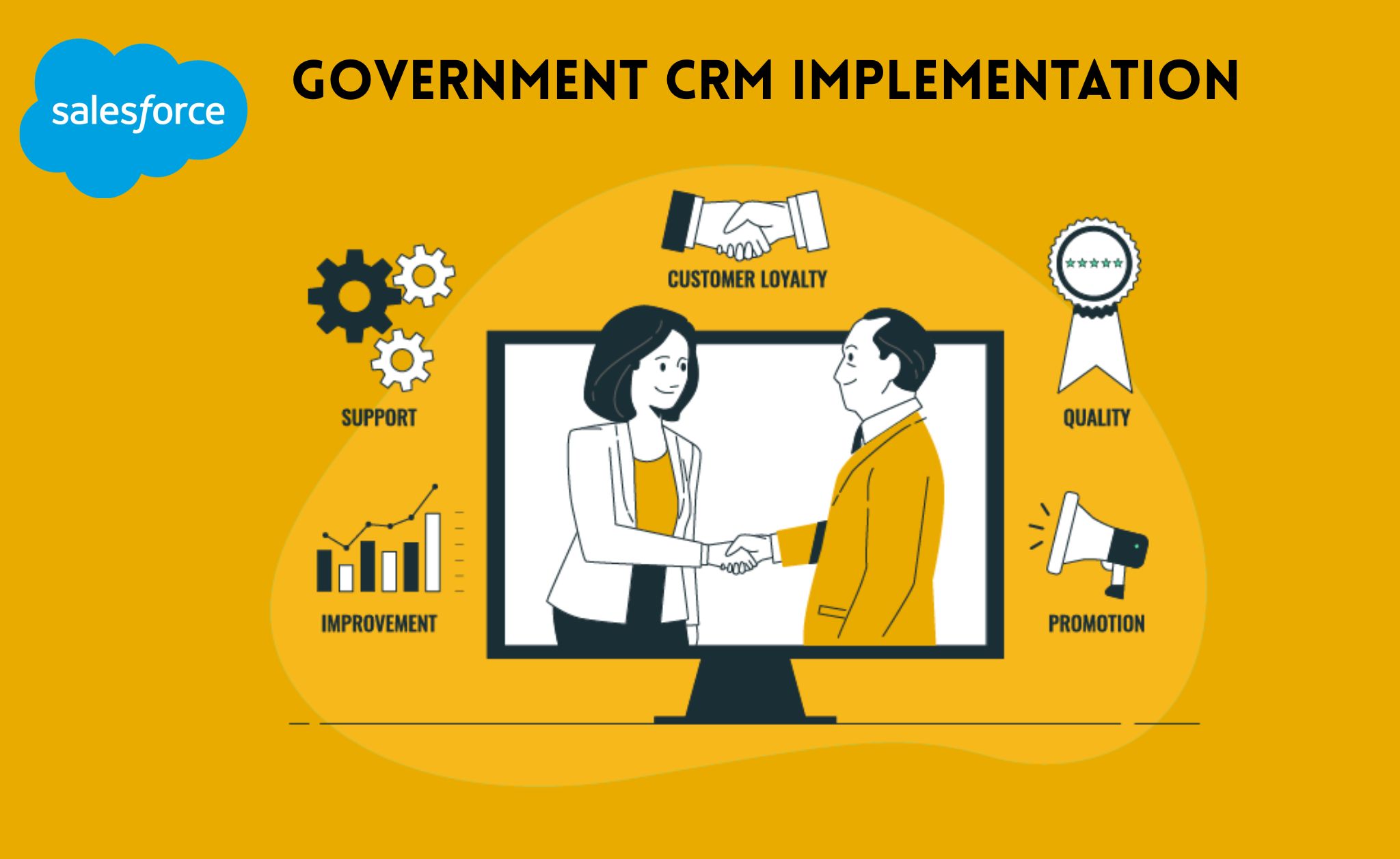
Salesforce Government Cloud is a secure and scalable CRM platform built specifically for public sector organizations. It helps government agencies manage citizen services, programs, grants, inspections, and regulatory processes. In addition, it ensures compliance, transparency, and strong data security.
Government CRM implementation focuses on configuring the platform to streamline case management and service delivery. Moreover, it enables automation, real-time reporting, and secure system integrations. As a result, agencies can deliver faster, more citizen-centric services.
Learner Prerequisites
Before starting this training, learners should have:
- A basic understanding of CRM concepts
- Familiarity with government service delivery processes
- Knowledge of Salesforce fundamentals (recommended)
- An understanding of data security and compliance principles
Table of Contents
1. Introduction to Government CRM
1.1 Overview of Government CRM Concepts
1.2 Public Sector Challenges and Digital Transformation
1.3 Key Features of Salesforce Government Cloud
1.4 Government CRM vs Commercial CRM
2. Government Cloud Architecture
2.1 Multi-Tenant Architecture Overview
2.2 Data Model for Public Sector
2.3 Compliance and Regulatory Considerations
2.4 Environment Strategy (Sandbox & Production)
3. Requirement Gathering & Solution Design
3.1 Stakeholder Identification
3.2 Business Process Mapping
3.3 Citizen-Centric Service Design
3.4 Defining KPIs and SLAs
3.5 Creating Solution Architecture Blueprint
4. Security & Compliance Configuration
4.1 Role Hierarchies and Profiles
4.2 Permission Sets and Data Access Controls
4.3 Field-Level Security
4.4 Audit Trails and Monitoring
4.5 Government Data Privacy Standards
5. Case & Program Management Setup
5.1 Configuring Case Management for Citizen Requests
5.2 Program and Benefits Management
5.3 Grant Management Configuration
5.4 Inspection and Licensing Processes
5.5 Escalation and SLA Management
6. Workflow Automation & Approvals
6.1 Workflow Rules and Flow Builder
6.2 Approval Processes for Government Services
6.3 Auto-Assignment and Routing Rules
6.4 Notifications and Alerts
6.5 Document Generation and E-Signature Integration
7. Citizen Portal & Experience Setup
7.1 Overview of Salesforce Experience Cloud
7.2 Setting Up Citizen Self-Service Portals
7.3 Form Creation and Online Applications
7.4 Secure Authentication and Identity Management
7.5 Accessibility and Public Service Standards
8. Reporting, Dashboards & Transparency
8.1 Government Performance Dashboards
8.2 SLA and Case Resolution Reports
8.3 Program Effectiveness Tracking
8.4 Compliance and Audit Reporting
8.5 Open Data and Transparency Initiatives
9. Integration & Data Migration
9.1 Legacy System Integration
9.2 API and Middleware Overview
9.3 Data Migration Strategy
9.4 Data Cleansing and Validation
9.5 Real-Time Data Synchronization
10. Testing, Deployment & Go-Live
10.1 Unit Testing and UAT
10.2 Deployment Strategy
10.3 Change Management for Government Agencies
10.4 Training End Users and Administrators
10.5 Post Go-Live Support Model
11. Governance & Best Practices
11.1 Governance Framework for Government CRM
11.2 Risk Management and Compliance Monitoring
11.3 Performance Optimization
11.4 Continuous Improvement Strategy
Conclusion
Implementing Salesforce Government CRM helps agencies modernize citizen services and improve operational efficiency. Furthermore, it strengthens regulatory compliance and enhances transparency. When implemented correctly, the platform supports secure, scalable, and citizen-focused digital transformation.

Reviews
There are no reviews yet.