


Description
Introduction
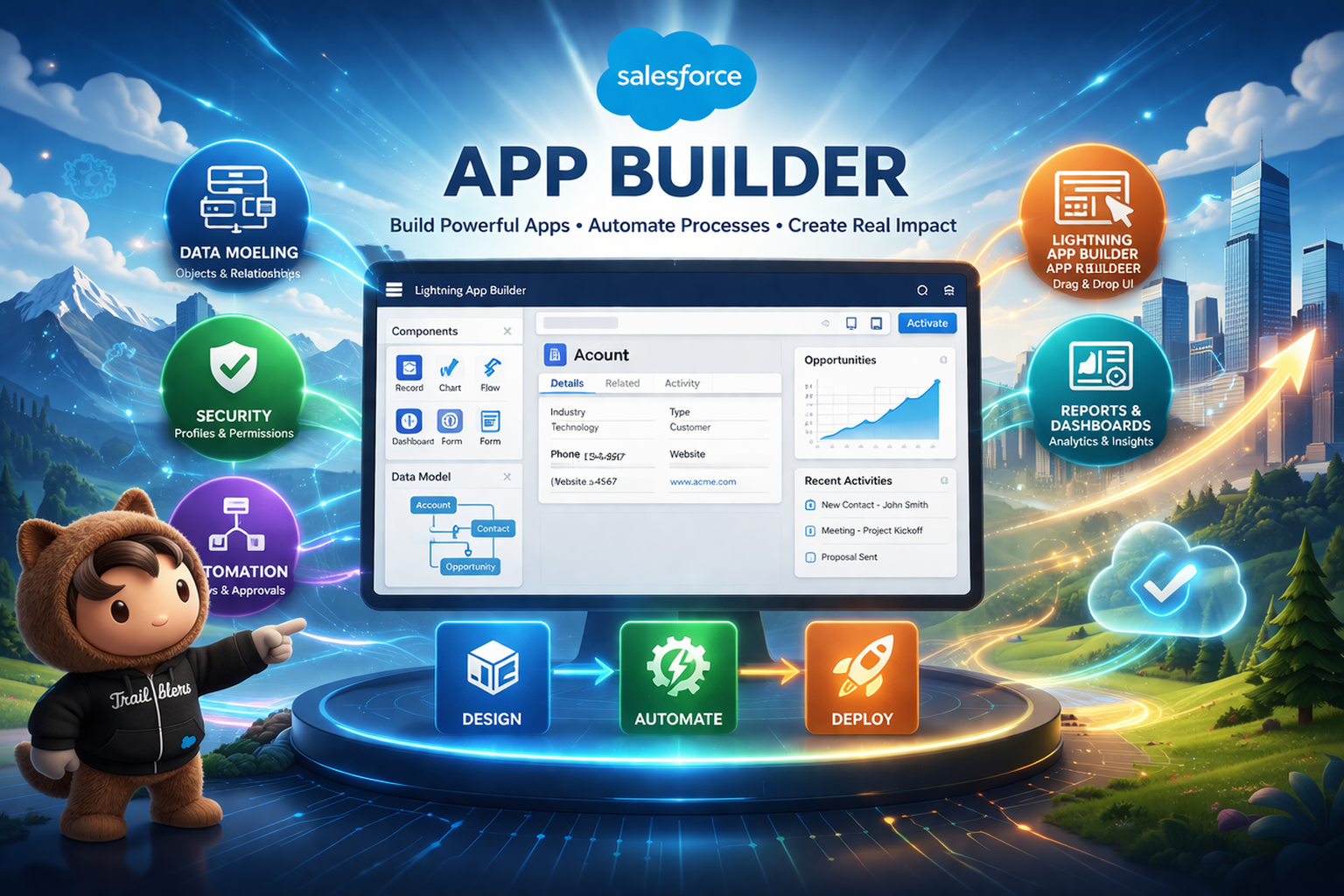
Salesforce App Builder is a declarative development framework within the Salesforce Platform that enables users to design, build, and customize business applications using clicks instead of code. Using tools such as Lightning App Builder, Object Manager, Flow Builder, Schema Builder, and Security controls, App Builders can create scalable applications, automate processes, manage data models, and deliver dynamic user experiences. This training prepares learners to design robust applications aligned with business requirements and supports preparation for the Salesforce Platform App Builder certification.
Learner Prerequisites
• Basic understanding of CRM concepts
• Familiarity with Salesforce navigation and standard objects
• Basic knowledge of business processes (Sales, Service, or Operations)
• No programming knowledge required (helpful but optional)
Table of contents
1. Salesforce Platform & App Builder Foundations
1.1 Overview of Salesforce Architecture and Cloud Model
1.2 Standard vs Custom Applications in Salesforce
1.3 Understanding Objects, Fields, and Relationships
1.4 Introduction to Lightning Experience Interface
2. Data Modeling & Schema Design
2.1 Creating Custom Objects and Fields
2.2 Field Data Types and Field Properties
2.3 Object Relationships (Lookup & Master-Detail)
2.4 Schema Builder and Data Model Optimization
3. Security & Data Access Management
3.1 Organization-Wide Defaults (OWD)
3.2 Profiles, Roles, and Permission Sets
3.3 Sharing Rules and Record-Level Security
3.4 Field-Level Security and Page Layout Access
4. User Interface Customization
4.1 Page Layouts and Record Types
4.2 Lightning App Builder – App, Record & Home Pages
4.3 Dynamic Forms and Dynamic Actions
4.4 Custom Tabs, Branding, and Navigation
5. Business Process Automation
5.1 Introduction to Salesforce Automation Tools
5.2 Flow Builder – Screen Flows and Record-Triggered Flows
5.3 Approval Processes
5.4 Validation Rules and Formula Fields
6. App Deployment & Lifecycle Management
6.1 Sandboxes and Change Sets
6.2 Deployment Best Practices
6.3 Managing Application Versions
6.4 Data Import and Export Tools
7. Reports, Dashboards & Analytics
7.1 Creating Custom Reports and Report Types
7.2 Report Filters and Groupings
7.3 Building Dashboards and Components
7.4 Data Visualization Best Practices
8. Advanced App Builder Capabilities
8.1 Custom Metadata and Custom Settings
8.2 Business Logic with Formulas
8.3 Platform Limits and Performance Considerations
8.4 Introduction to AppExchange
9. Real-Time Project & Case Study Implementation
9.1 Business Requirement Gathering
9.2 Designing the Data Model
9.3 Building the Application
9.4 Testing and Deployment
Conclusion
This Salesforce App Builder training equips learners with the knowledge and hands-on skills to design secure, scalable, and automated applications using declarative tools. By the end of the program, participants will be capable of independently building business applications and confidently preparing for the Salesforce Platform App Builder certification.

Reviews
There are no reviews yet.