


Description
Introduction
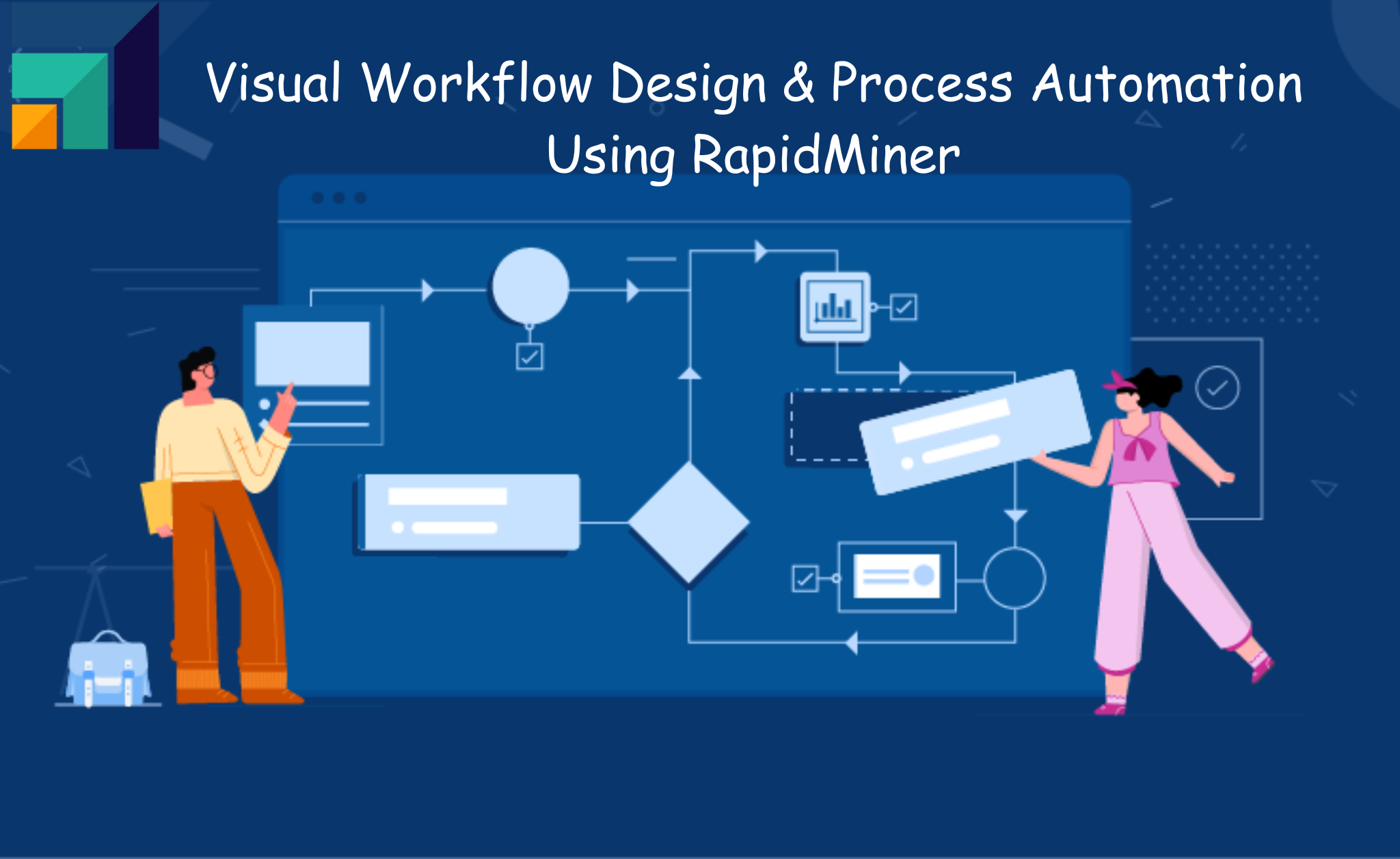
RapidMiner Studio is a powerful visual data science and machine learning platform. It enables users to design, build, and automate analytical workflows without extensive coding. Moreover, it provides a drag-and-drop interface and a rich operator library. It also offers seamless integration capabilities. As a result, it becomes ideal for data preparation, modeling, validation, and deployment. RapidMiner supports end-to-end analytics. Therefore, users can transform raw data into actionable insights. It also helps automate repetitive processes efficiently.
Learner Prerequisites
- Basic understanding of data analytics concepts
- Familiarity with datasets and data formats (CSV, Excel, databases)
- Fundamental knowledge of statistics and machine learning concepts (optional but helpful)
- No prior programming experience required. However, basic logic-building skills are beneficial
Table of Contents
1. Introduction to Visual Workflow Design in RapidMiner
1.1 Overview of visual programming and workflow-based analytics
1.2 Understanding RapidMiner Studio interface and process canvas
1.3 Key components: operators, ports, connections, and repositories
1.4 Benefits of visual workflows for analytics and automation
1.5 Use cases of workflow design in real-world scenarios
2. Building Blocks of RapidMiner Workflows
2.1 Exploring operators and operator categories
2.2 Data input and output handling within workflows
2.3 Connecting operators and managing data flow
2.4 Parameter configuration and operator customization
2.5 Debugging and validating workflow processes
3. Data Integration and Preparation in Workflows
3.1 Importing data from multiple sources
3.2 Data cleaning and preprocessing using operators
3.3 Data transformation and feature engineering basics
3.4 Handling missing values and outliers
3.5 Automating data preparation steps
4. Designing End-to-End Analytical Workflows
4.1 Structuring workflows for scalability and reuse
4.2 Integrating data preparation, modeling, and evaluation
4.3 Using subprocesses and reusable components
4.4 Workflow documentation and annotations
4.5 Best practices for workflow design
5. Process Automation in RapidMiner
5.1 Introduction to automation concepts in analytics
5.2 Scheduling and running automated workflows
5.3 Using macros and parameters for dynamic workflows
5.4 Looping, branching, and conditional execution
5.5 Error handling and logging in automated processes
6. Advanced Workflow Techniques
6.1 Working with nested processes and modular design
6.2 Leveraging extensions and marketplace operators
6.3 Performance optimization of workflows
6.4 Versioning and managing workflow changes
6.5 Collaboration and sharing workflows
7. Model Integration within Workflows
7.1 Incorporating machine learning models into workflows
7.2 Training, validating, and testing models
7.3 Model deployment within automated pipelines
7.4 Monitoring model performance
7.5 Updating and retraining models automatically
8. Visualization and Reporting in Workflows
8.1 Generating visual outputs and dashboards
8.2 Using charts and result perspectives
8.3 Exporting workflow results and reports
8.4 Automating report generation
8.5 Communicating insights effectively
9. Workflow Optimization and Best Practices
9.1 Designing efficient and maintainable workflows
9.2 Reducing redundancy and improving performance
9.3 Ensuring data quality and consistency
9.4 Security and access control in workflows
9.5 Common pitfalls and how to avoid them
10. Real-World Use Cases and Hands-On Projects
10.1 Building automated data pipelines
10.2 Customer segmentation workflow
10.3 Predictive analytics automation use case
10.4 End-to-end business workflow implementation
10.5 Capstone project and evaluation
Conclusion
This training equips learners with the skills to design, automate, and optimize visual workflows using RapidMiner. In addition, by mastering workflow components, automation techniques, and best practices, participants can streamline data processes. Furthermore, they can improve efficiency and build scalable analytics solutions. Ultimately, this enables real-world business problem solving with confidence.


Reviews
There are no reviews yet.