


Description
Introduction
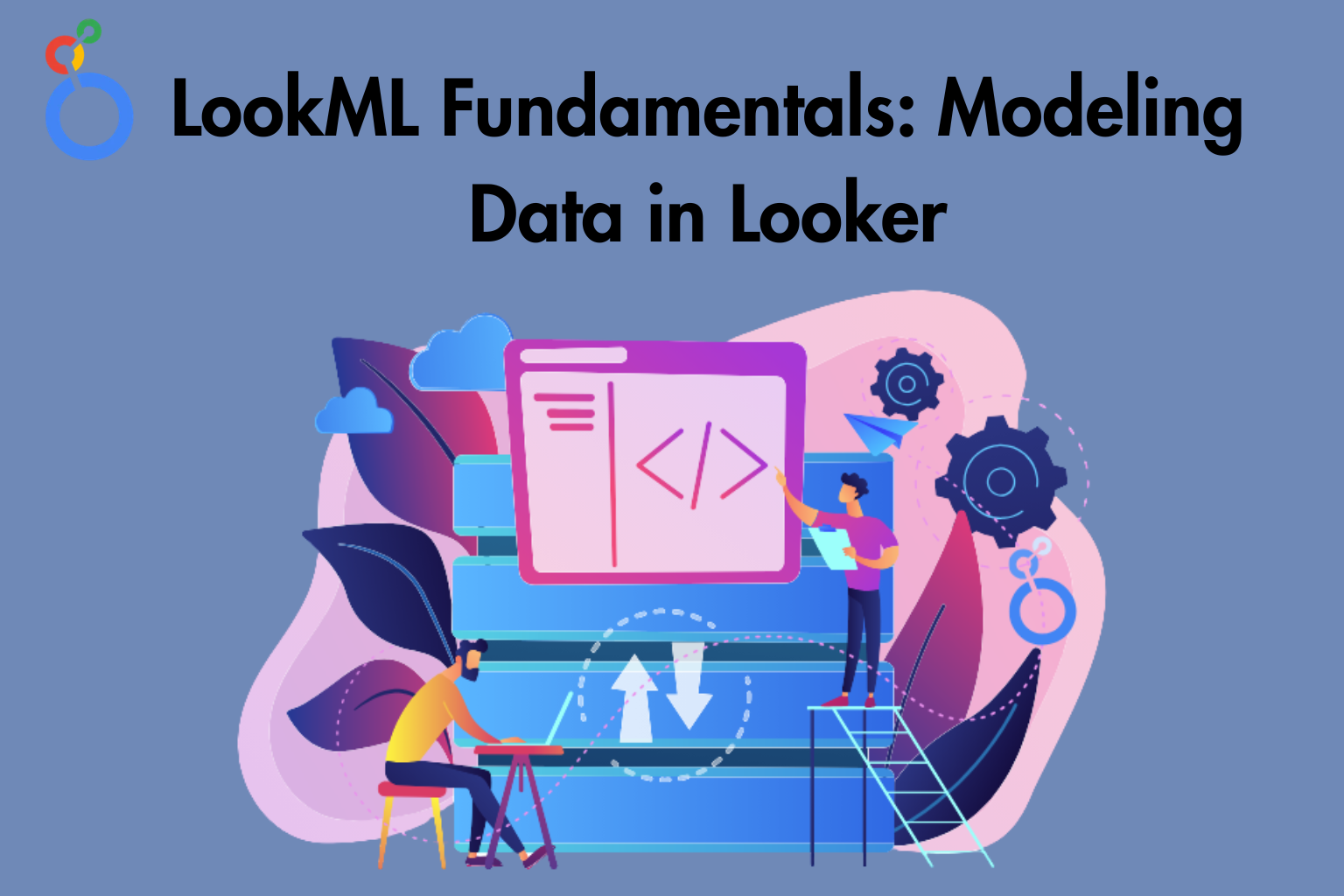
Looker is a modern business intelligence platform. It supports data exploration and reporting. It uses LookML to define data models. As a result, analysts can create reusable data definitions. In addition, developers can build governed metrics. They can also deliver consistent insights across dashboards and reports. Moreover, LookML separates data logic from visualization. Therefore, it improves scalability and reusability. It also ensures centralized data governance.
Learner Prerequisites
- Basic understanding of SQL and relational databases
- Familiarity with data warehousing concepts
- Knowledge of any BI tool (preferred but not mandatory)
- Understanding of dimensions, measures, and KPIs
- Basic exposure to cloud platforms is a plus
Table of Contents
1. Introduction to LookML and Data Modeling
1.1 Overview of LookML and its role in analytics
1.2 Key components: Models, Views, and Explores
1.3 Benefits of LookML for governed data modeling
1.4 LookML vs traditional SQL-based reporting
1.5 Understanding Looker architecture and workflow
2. LookML Project Structure and Development Environment
2.1 Setting up a LookML project in Looker
2.2 Navigating the Looker IDE and development modes
2.3 Version control and Git integration basics
2.4 Understanding project files and folder structure
2.5 Best practices for organizing LookML projects
3. Defining Views in LookML
3.1 Creating views and mapping to database tables
3.2 Defining dimensions and dimension groups
3.3 Creating measures with aggregations
3.4 Using primary keys and SQL parameters
3.5 Reusable code using sets and includes
4. Building Explores and Relationships
4.1 Creating Explores from views
4.2 Joining views and defining relationships
4.3 Understanding join types and join conditions
4.4 Working with symmetric aggregates
4.5 Optimizing explore performance
5. Working with Dimensions and Measures
5.1 Types of dimensions and their use cases
5.2 Advanced measure types and calculations
5.3 Handling null values and data formatting
5.4 Using filters within dimensions and measures
5.5 Best practices for consistent metric definitions
6. Derived Tables and Advanced Modeling
6.1 Introduction to derived tables (PDTs)
6.2 Creating persistent and ephemeral derived tables
6.3 SQL-based transformations in LookML
6.4 Scheduling and caching strategies
6.5 Performance tuning for large datasets
7. Parameters, Filters, and User Interactivity
7.1 Creating parameters for dynamic queries
7.2 Using templated filters in LookML
7.3 Adding user-driven controls in Explores
7.4 Implementing conditional logic
7.5 Enhancing flexibility with dynamic fields
8. LookML Best Practices and Optimization
8.1 Writing clean and maintainable LookML code
8.2 Reusability and modular design techniques
8.3 Performance optimization strategies
8.4 Debugging and testing LookML models
8.5 Documentation and collaboration practices
9. Security and Access Control in LookML
9.1 Implementing row-level security
9.2 Access filters and user attributes
9.3 Controlling data visibility with roles
9.4 Securing sensitive data fields
9.5 Governance and compliance considerations
10. Deployment and Collaboration
10.1 Development vs production environments
10.2 Code validation and deployment workflow
10.3 Collaborating using Git version control
10.4 Managing changes and rollbacks
10.5 Continuous integration practices
11. Integrating LookML Models with Dashboards
11.1 Using Explores in dashboards
11.2 Building reusable Looks and reports
11.3 Ensuring consistency across visualizations
11.4 Performance considerations for dashboards
11.5 Delivering insights to stakeholders
12. Real-World Use Cases and Hands-On Practice
12.1 Building an end-to-end LookML model
12.2 Creating business KPIs and metrics
12.3 Solving common modeling challenges
12.4 Industry-specific use cases
12.5 Hands-on exercises and mini project
Conclusion
This training builds a strong foundation in LookML. It helps learners design scalable data models in Looker. Furthermore, learners will build high-performance models. They will also create governed analytics solutions. As a result, they can deliver consistent and business-ready insights.
Reviews
There are no reviews yet.