


Description
Introduction
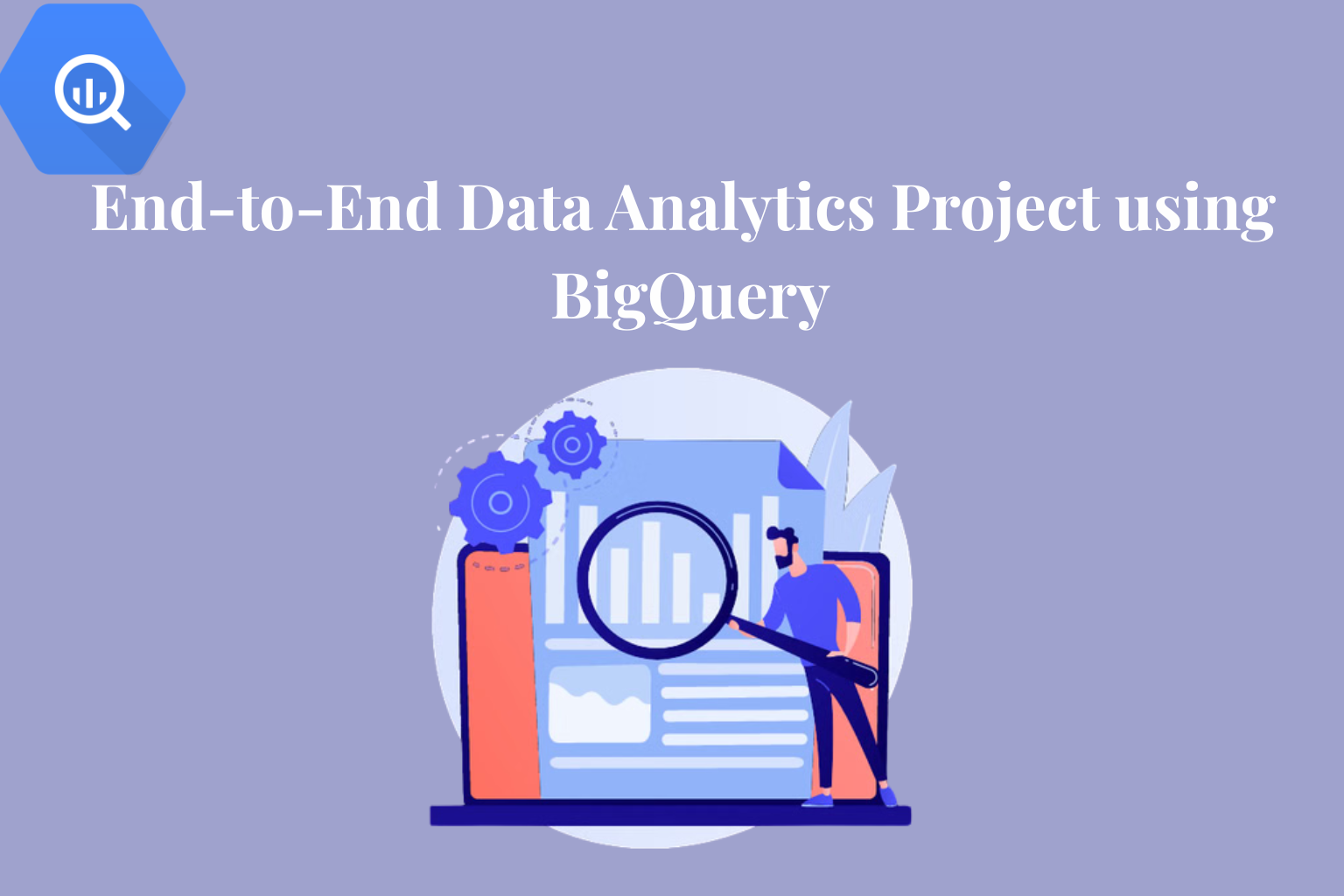
Google BigQuery is a serverless and highly scalable data warehouse developed by Google Cloud. It enables fast SQL-based analytics on massive datasets.This platform supports real-time querying and built-in machine learning capabilities. It also integrates smoothly with BI tools and cloud services.
Within end-to-end analytics projects, BigQuery plays a central role in ingestion, transformation, analysis, and reporting. This enables raw data to be converted into actionable business insights at scale.
Learner Prerequisites
- Basic understanding of SQL (SELECT, JOIN, GROUP BY, etc.)
- Familiarity with data analytics and reporting concepts
- Introductory knowledge of cloud platforms (preferably GCP)
- Awareness of datasets, tables, and relational data models
- Basic understanding of dashboards and KPIs
Table of Contents
1. Project Overview & Environment Setup
1.1 Understanding the end-to-end analytics lifecycle
1.2 Defining business problems and KPIs
1.3 BigQuery architecture in the project context
1.4 Setting up a Google Cloud project and enabling APIs
1.5 Configuring datasets, permissions, and workspace structure
2. Data Collection & Ingestion Strategy
2.1 Identifying structured and semi-structured data sources
2.2 Importing datasets into BigQuery from local and cloud storage
2.3 Batch upload and streaming ingestion methods
2.4 Using Cloud Storage as a staging layer for raw data
2.5 Ensuring data integrity during ingestion
3. Data Modeling & Schema Design
3.1 Designing fact and dimension tables for analytics use cases
3.2 Comparing normalized and denormalized data models
3.3 Applying partitioning and clustering for performance optimization
3.4 Defining relationships and constraints
3.5 Building scalable datasets for enterprise reporting
4. Data Cleaning & Preprocessing
4.1 Identifying missing, duplicate, and inconsistent records
4.2 Applying data type conversions and formatting rules
4.3 Standardizing datasets for consistency
4.4 Handling null values and outliers
4.5 Preparing clean datasets for analysis
5. SQL-Based Data Analysis in BigQuery
5.1 Writing advanced SQL queries for analytics
5.2 Using joins, subqueries, and CTEs
5.3 Applying window functions for trends and ranking
5.4 Creating reusable views for reporting
5.5 Performing aggregations for KPI calculations
6. Data Pipeline Development & Orchestration
6.1 Designing ETL and ELT pipelines
6.2 Automating workflows using scheduled queries
6.3 Integrating Cloud Functions and Dataflow
6.4 Monitoring pipelines and handling failures
6.5 Managing incremental data refresh strategies
7. Data Visualization & BI Tool Integration
7.1 Connecting BigQuery with Looker, Tableau, and Power BI
7.2 Designing dashboards for stakeholders
7.3 Building interactive reports and drill-down analysis
7.4 Defining KPI visualization and tracking
7.5 Secure sharing of insights
8. Performance Optimization & Cost Management
8.1 SQL query optimization techniques
8.2 Using partitioning and clustering effectively
8.3 Monitoring query cost and slot usage
8.4 Leveraging caching and materialized views
8.5 Applying cost-efficient analytics practices
Conclusion
This end-to-end analytics project using Google BigQuery provides hands-on experience in building a complete cloud-based analytics solution.Learners develop practical skills in data ingestion, transformation, modeling, SQL analysis, pipeline automation, and visualization.
By the end of the training, participants can design scalable analytics systems, optimize performance, and deliver business-ready insights using Google Cloud.

Reviews
There are no reviews yet.