


Description
Introduction
WebMethods Integration Server (IS) is the core component of the Software AG webMethods suite, providing robust capabilities for connecting applications, services, and systems in an enterprise environment. Proper administration of the Integration Server ensures optimal performance, security, scalability, and reliability of the integrations. This training is designed for system administrators, integration specialists, and IT professionals who are responsible for managing, monitoring, and configuring WebMethods Integration Server.
Prerequisites
- Basic understanding of webMethods architecture and components.
- Familiarity with SOAP, REST, and messaging protocols (JMS, HTTP, FTP).
- Basic server administration skills (Linux/Windows environments).
- Understanding of databases and JDBC connections.
- Prior experience in developing webMethods services or integrating applications (recommended but not mandatory).
Table of Contents
Module 1: Introduction to WebMethods Integration Server
- Overview of WebMethods Suite and Integration Server
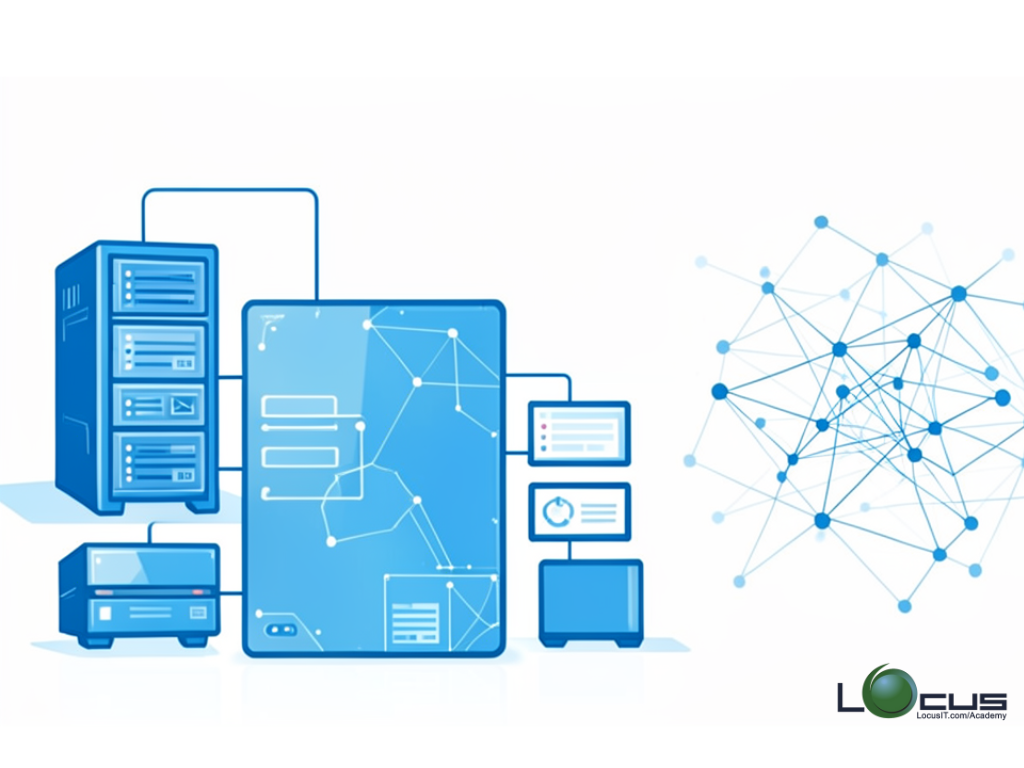
- Integration Server architecture
- Key concepts: Packages, Services, Flow services, and Adapters
- WebMethods IS administration tools (Administrator, Designer, Command Central)
Module 2: Installation and Configuration
- Installation of WebMethods Integration Server
- Setting up environments (Development, QA, Production)
- Configuring Integration Server ports, clusters, and profiles
- Configuring JVM and memory settings
Module 3: User and Security Management
- User, group, and role management
- Managing ACLs (Access Control Lists)
- Configuring authentication and authorization
- Security best practices for IS
- Implementing auditing and logging policies
Module 4: Package Management
- Understanding packages and services
- Deploying, importing, and exporting packages
- Managing package dependencies
- Versioning and rollback strategies
Module 5: Server Monitoring and Performance
- Monitoring server health and performance
- Server logs and diagnostics
- Memory management and thread optimization
- Using built-in performance monitoring tools
Module 6: Database and Adapter Administration
- Configuring JDBC and database connections
- Managing Adapter connections (SAP, JDBC, MQ, etc.)
- Performance tuning for adapters
- Troubleshooting adapter connectivity issues
Module 7: Error Handling and Troubleshooting
- Common IS errors and their causes
- Debugging services and flows
- Monitoring and resolving failed service executions
- Using server logs and audit logs for troubleshooting
Module 8: Backup, Recovery, and Maintenance
- Performing server backups and restores
- Maintaining server packages and configurations
- Upgrading Integration Server versions
- Best practices for high availability and disaster recovery
Module 9: Advanced Administration
- Clustering and load balancing
- Configuring IS for high availability
- Performance tuning strategies
- Advanced monitoring using Command Central
Module 10: Hands-On Lab
- Server installation and basic configuration
- User, role, and security setup
- Package deployment and management
- Performance monitoring and troubleshooting exercises
- Backup and restore scenarios


Reviews
There are no reviews yet.