


Description
Introduction:
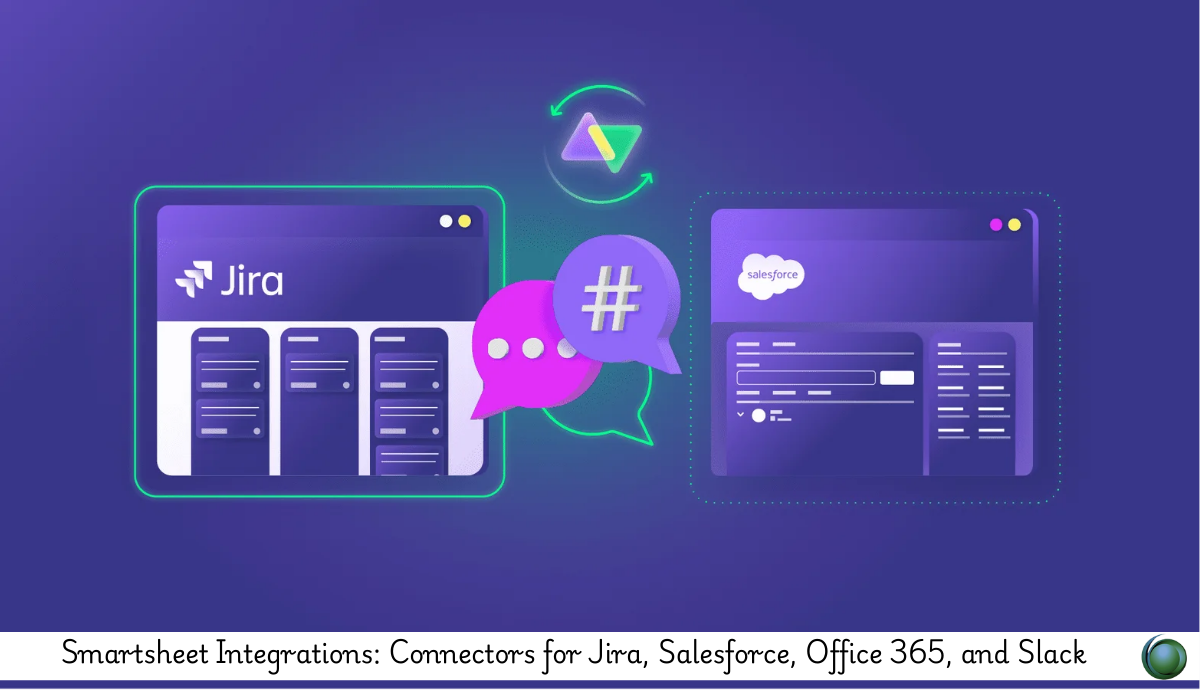
This training focuses on integrating Smartsheet with enterprise systems such as Jira, Salesforce, Office 365, and Slack. Participants will learn how to synchronize data, automate cross-platform workflows, and enhance collaboration by connecting Smartsheet with existing organizational tools.
Prerequisites:
Basic Smartsheet knowledge
Familiarity with Jira, Salesforce, Office 365, or Slack environments
Understanding of automation and workflow processes
Access to required connectors or integration licenses
Table of Contents:
-
Integration Overview
1.1 Introduction to Smartsheet Connectors
1.2 Benefits of Cross-Platform Integrations
1.3 Integration Architecture and Data Flow -
Smartsheet for Jira Integration
2.1 Setting Up the Jira Connector
2.2 Syncing Issues, Epics, and Custom Fields
2.3 Building Automated Jira-to-Smartsheet Workflows
2.4 Managing Conflicts, Permissions, and Sync Rules -
Smartsheet for Salesforce Integration
3.1 Connecting Smartsheet with Salesforce Data Objects
3.2 Working with Leads, Accounts, Contacts, and Opportunities
3.3 Automating Sales and Project Handoff Workflows
3.4 Maintaining Data Accuracy and Sync Health -
Office 365 Integrations
4.1 Linking Outlook for Alerts, Emails, and Calendar Tasks
4.2 Syncing with OneDrive and SharePoint
4.3 Using Smartsheet with Microsoft Teams
4.4 Embedding Smartsheet in Office 365 Apps -
Slack Integration
5.1 Setting Up Smartsheet Alerts in Slack Channels
5.2 Automating Approvals and Notifications in Slack
5.3 Collaborating on Sheets Directly from Slack
5.4 Best Practices for Cross-Team Communication -
Data Shuttle & Data Mesh
6.1 Importing and Exporting Data from External Systems
6.2 Building Automated Upload and Offload Workflows
6.3 Using Data Mesh for Multi-Sheet Data Harmonization -
API & Custom Integrations
7.1 Introduction to Smartsheet API
7.2 Building Custom Scripts for Automation
7.3 Integrating Smartsheet with Internal Applications -
Governance & Troubleshooting
8.1 Managing Permissions Across Integrations
8.2 Monitoring Sync Activity and Error Logs
8.3 Security, Compliance, and Data Integrity
8.4 Best Practices for Stable Integrations
This course equips learners with the skills to integrate Smartsheet seamlessly with enterprise platforms to unify workflows and data. By the end, participants will be able to design reliable, automated, cross-platform solutions that improve collaboration and efficiency.


Reviews
There are no reviews yet.