


Description
Introduction
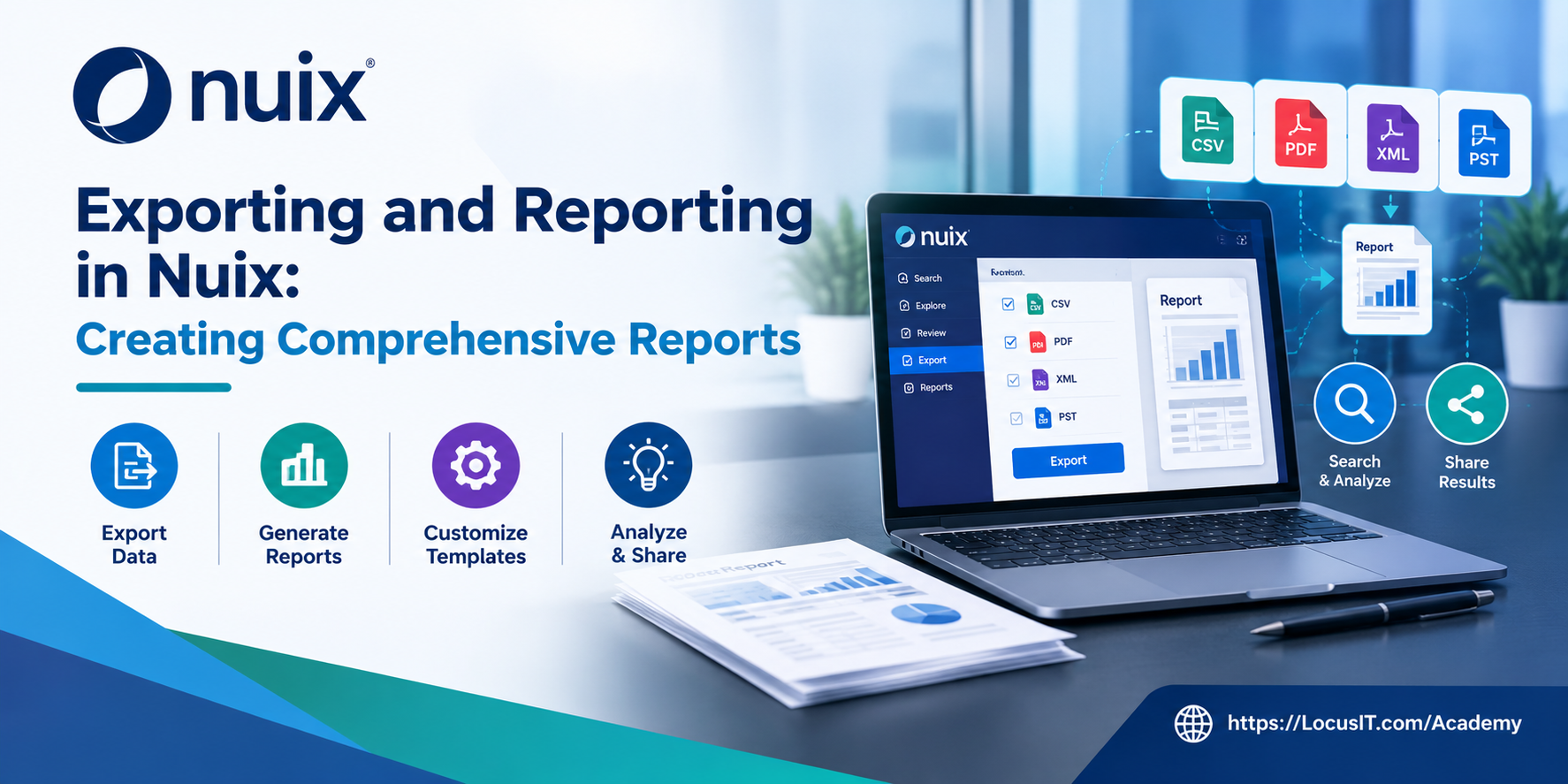
This training program is designed to provide participants with the skills necessary to effectively export data and generate comprehensive reports using Nuix. As organizations increasingly rely on data for decision-making and compliance purposes, the ability to extract meaningful insights from large datasets becomes paramount. This course will cover various exporting techniques, reporting functionalities, and best practices for creating reports that meet both organizational needs and legal requirements. By the end of the training, participants will be proficient in leveraging Nuix to produce insightful reports that facilitate analysis and support e-Discovery processes.
Learning Outcomes
- Understand the various data export options available in Nuix.
- Learn how to create customized reports based on specific requirements.
- Gain skills in analyzing exported data and presenting findings effectively.
- Develop best practices for reporting and documentation in e-Discovery.
Prerequisites
- Basic understanding of e-Discovery processes and terminology.
- Familiarity with the Nuix platform and its core functionalities.
- Experience with data analysis or reporting tools is beneficial but not required.
TABLE OF CONTENTS
Module 1: Introduction to Data Exporting in Nuix
1.1 Understanding Export Options
1.1.1 Identifying supported data export types
1.1.2 Understanding common export formats
1.1.3 Selecting suitable formats for different requirements
1.2 Navigating the Export Interface
1.2.1 Exploring export options and settings
1.2.2 Selecting records and fields for export
1.2.3 Configuring basic export parameters
1.3 Performing Basic Exports
1.3.1 Preparing a sample dataset for export
1.3.2 Exporting data in supported formats
1.3.3 Verifying exported files and content
Module 2: Advanced Export Techniques
2.1 Customizing Export Settings
2.1.1 Applying filters to export selected records
2.1.2 Selecting fields and metadata for export
2.1.3 Processing large datasets through batch exports
2.2 Exporting Metadata and Annotations
2.2.1 Understanding metadata export requirements
2.2.2 Including annotations in export workflows
2.2.3 Verifying metadata and annotation accuracy
2.3 Configuring Advanced Exports
2.3.1 Preparing complex datasets for export
2.3.2 Applying customized export settings
2.3.3 Reviewing results and resolving export issues
Module 3: Introduction to Reporting in Nuix
3.1 Understanding Reporting Features
3.1.1 Exploring available reporting capabilities
3.1.2 Comparing summary and detailed reports
3.1.3 Identifying requirements for custom reports
3.2 Creating Basic Reports
3.2.1 Selecting data for report generation
3.2.2 Configuring report parameters
3.2.3 Generating and reviewing standard reports
3.3 Generating Reports from Exported Data
3.3.1 Preparing exported data for reporting
3.3.2 Creating reports from sample datasets
3.3.3 Validating report content and results
Module 4: Customizing Reports for Business Needs
4.1 Designing Custom Reports
4.1.1 Defining report objectives and requirements
4.1.2 Applying filters and grouping data
4.1.3 Organizing report sections for clarity
4.2 Incorporating Data Visualizations
4.2.1 Selecting suitable charts and graphs
4.2.2 Presenting key findings through visualizations
4.2.3 Improving report readability and presentation
4.3 Customizing Report Templates
4.3.1 Selecting suitable report templates
4.3.2 Adjusting layouts and report fields
4.3.3 Testing and refining customized reports
Module 5: Reporting Best Practices
5.1 Identifying Key Reporting Metrics
5.1.1 Defining metrics based on reporting objectives
5.1.2 Prioritizing relevant data for analysis
5.1.3 Selecting metrics for different stakeholders
5.2 Developing Comprehensive Reports
5.2.1 Combining relevant data sources
5.2.2 Structuring findings and supporting evidence
5.2.3 Presenting clear conclusions and recommendations
5.3 Preparing Reports Through Case Studies
5.3.1 Reviewing a sample investigation scenario
5.3.2 Analyzing data and identifying key findings
5.3.3 Preparing a comprehensive report for review
Module 6: Advanced Reporting Techniques
6.1 Automating Report Generation
6.1.1 Identifying repetitive reporting tasks
6.1.2 Exploring available reporting automation options
6.1.3 Reviewing scheduled jobs and generated reports
6.2 Collaborating on Reports
6.2.1 Defining team roles in report preparation
6.2.2 Sharing reports through supported methods
6.2.3 Managing feedback and report revisions
6.3 Automating and Sharing Reports
6.3.1 Configuring a repeatable reporting process
6.3.2 Preparing reports for authorized distribution
6.3.3 Verifying shared reports and access permissions
Module 7: Analyzing Exported Data
7.1 Data Analysis Techniques
7.1.1 Applying basic data analysis principles
7.1.2 Interpreting exported records and metadata
7.1.3 Identifying patterns and relevant findings
7.2 Using Reports for Decision-Making
7.2.1 Translating report findings into business insights
7.2.2 Supporting legal and investigative decisions
7.2.3 Evaluating findings through practical case studies
7.3 Analyzing Exported Data in Practice
7.3.1 Reviewing data from previous export exercises
7.3.2 Identifying trends and inconsistencies
7.3.3 Presenting analysis findings in a report
Module 8: Finalizing Reports and Export Best Practices
8.1 Reviewing and Finalizing Reports
8.1.1 Checking report accuracy and completeness
8.1.2 Verifying data consistency and compliance requirements
8.1.3 Preparing final reports for distribution
8.2 Documenting Reporting Processes
8.2.1 Recording export and reporting procedures
8.2.2 Maintaining documentation for audit purposes
8.2.3 Creating a reusable reporting process guide
8.3 Final Assessment and Knowledge Review
8.3.1 Completing an export and reporting exercise
8.3.2 Reviewing key concepts and best practices
8.3.3 Discussing questions and practical challenges



Reviews
There are no reviews yet.