


Description
Introduction
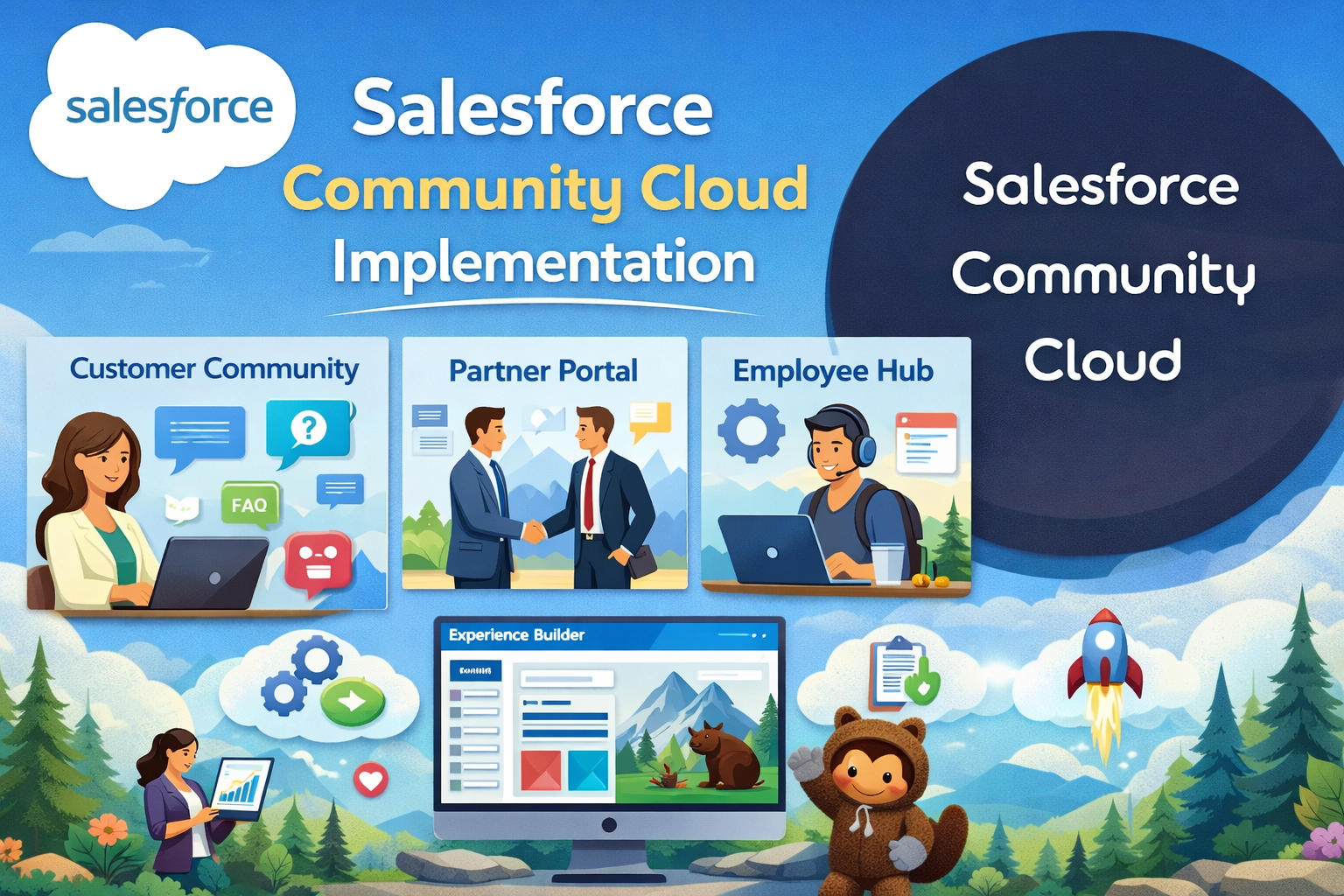
Salesforce Experience Cloud (formerly Community Cloud) enables organizations to build branded digital experiences such as customer communities, partner portals, and employee hubs. It allows businesses to securely share data, collaborate with external users, and deliver personalized self-service experiences integrated with Salesforce CRM.
Learner Prerequisites
- Basic understanding of Salesforce CRM (Sales Cloud / Service Cloud).
- Knowledge of user roles, profiles, and permission sets.
- Familiarity with data models, objects, and security concepts.
- Basic understanding of digital experience or portal concepts.
Table of Contents
1. Introduction to Experience Cloud
1.1 Overview of Experience Cloud
1.2 Community Cloud vs Experience Cloud Evolution
1.3 Types of Communities (Customer, Partner, Employee)
1.4 Experience Cloud Licensing Models
1.5 Key Features and Benefits
2. Experience Cloud Architecture & Planning
2.1 Implementation Lifecycle
2.2 Defining Business Requirements
2.3 Community Use Case Identification
2.4 Data Sharing and Visibility Planning
2.5 Security and Access Strategy
3. Setting Up Experience Cloud
3.1 Enabling Digital Experiences
3.2 Creating a New Experience (Templates Overview)
3.3 Workspaces and Administration
3.4 Domain Configuration
3.5 Login & Authentication Settings
4. User Management & Security
4.1 Internal vs External Users
4.2 Profiles and Permission Sets
4.3 Sharing Sets and Sharing Rules
4.4 Role Hierarchy for Communities
4.5 Data Visibility Best Practices
5. Experience Builder Configuration
5.1 Experience Builder Overview
5.2 Page Structure and Navigation
5.3 Branding and Theme Customization
5.4 Components and Widgets
5.5 Custom Lightning Components
6. Content & Knowledge Management
6.1 Salesforce Knowledge Integration
6.2 Creating and Managing Articles
6.3 Topic Management
6.4 Content Delivery and CMS Integration
6.5 Moderation and Content Governance
7. Case Management in Communities
7.1 Enabling Case Creation for External Users
7.2 Case Deflection Strategies
7.3 Knowledge + Case Integration
7.4 Escalation and Workflow Automation
8. Partner Relationship Management (PRM)
8.1 Partner Community Setup
8.2 Lead and Opportunity Sharing
8.3 Deal Registration Process
8.4 Partner Performance Tracking
9. Collaboration & Engagement Features
9.1 Chatter in Communities
9.2 Groups and Discussions
9.3 Gamification and Reputation
9.4 Notifications and Subscriptions
10. Integration & Advanced Customization
10.1 Apex and Custom Development
10.2 API Integrations
10.3 Single Sign-On (SSO) Configuration
10.4 Third-Party App Integration
10.5 Mobile Responsiveness
11. Reports, Dashboards & Analytics
11.1 Community Usage Reports
11.2 Adoption Tracking
11.3 Performance Metrics
11.4 Custom Dashboards for External Users
12. Deployment & Governance
12.1 Testing and UAT
12.2 Publishing and Going Live
12.3 Monitoring and Maintenance
12.4 Security Compliance
12.5 Best Practices for Scalability
Conclusion
Salesforce Experience Cloud Implementation empowers organizations to build secure, scalable, and engaging digital experiences for customers, partners, and employees. By mastering configuration, security, integration, and governance, teams can successfully deploy communities that enhance collaboration, self-service, and business growth.



Reviews
There are no reviews yet.