


Description
Introduction
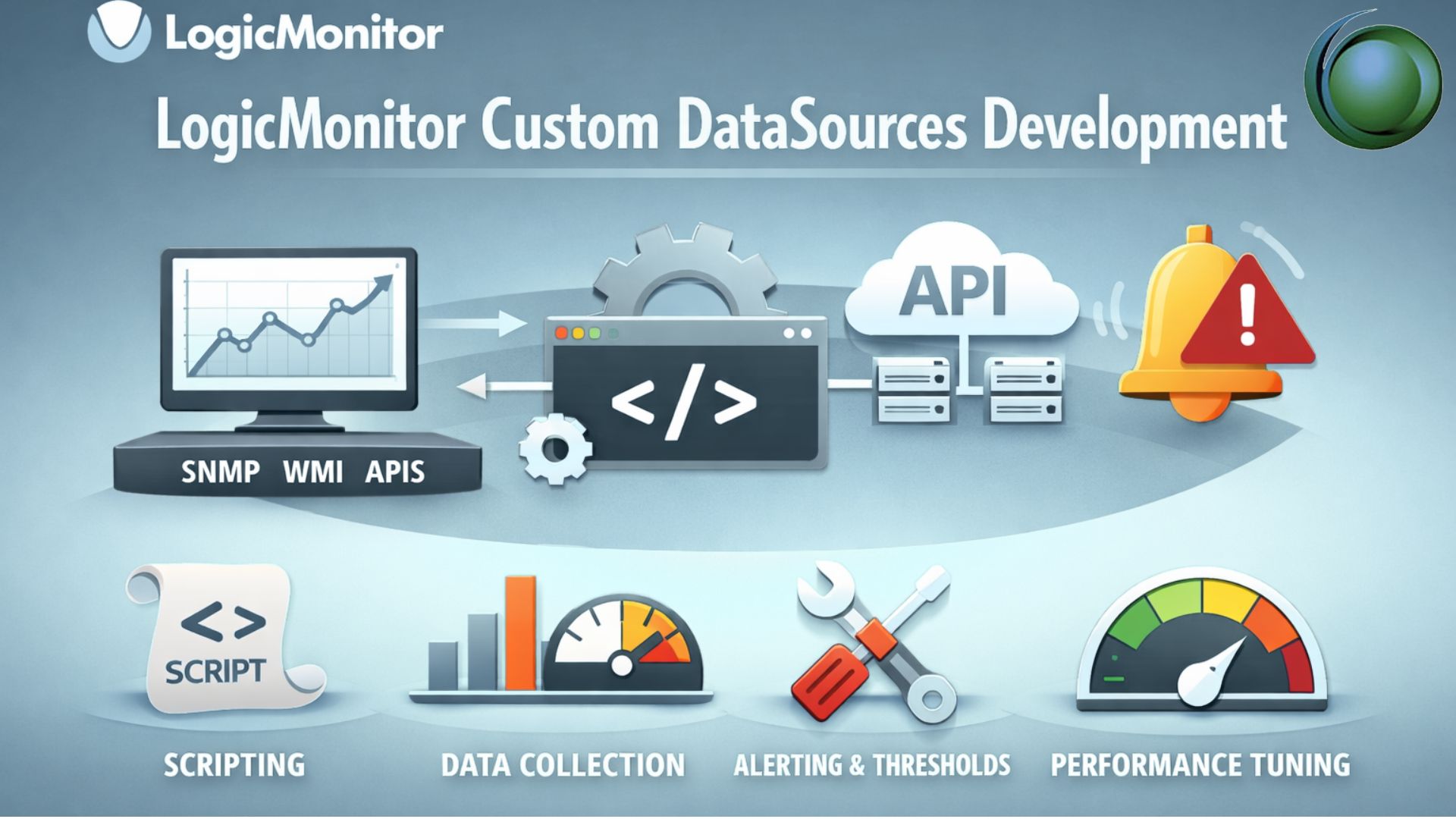
Custom DataSources in LogicMonitor enable organizations to extend monitoring beyond built-in capabilities. This training focuses on creating, customizing, and optimizing DataSources to monitor unique environments, applications, and devices efficiently.
Prerequisites
- Basic understanding of IT infrastructure monitoring
- Familiarity with LogicMonitor platform and UI
- Knowledge of SNMP, WMI, or APIs
- Basic scripting knowledge (Groovy, PowerShell, or Bash)
Table of Contents
1. Introduction to Custom DataSources
1.1 Overview of DataSources in LogicMonitor
1.2 Built-in vs Custom DataSources
1.3 Use Cases for Custom Monitoring
2. DataSource Architecture & Components
2.1 DataSource Types (SNMP, WMI, Script, API)
2.2 Understanding OIDs, Instances, and Wildcards
2.3 Collection Methods and Polling Mechanisms
3. Creating Custom DataSources
3.1 Step-by-Step DataSource Creation
3.2 Configuring Data Collection Methods
3.3 Defining Data Points and Thresholds
4. Working with SNMP & WMI DataSources
4.1 SNMP OIDs and MIB Navigation
4.2 Creating SNMP-based DataSources
4.3 WMI Queries and Configuration
5. Script-Based DataSources Development
5.1 Introduction to Groovy Scripting
5.2 PowerShell and Bash Integration
5.3 Parsing and Returning Metrics
6. API-Based Monitoring
6.1 REST API Integration Basics
6.2 Authentication Methods (Token, OAuth)
6.3 Building API-driven DataSources
7. Data Transformation & Complex Datapoints
7.1 Using Calculated DataPoints
7.2 Data Normalization Techniques
7.3 Handling Multi-instance Data
8. Alerting & Threshold Configuration
8.1 Static vs Dynamic Thresholds
8.2 Alert Tuning for Custom DataSources
8.3 Reducing Alert Noise
9. Debugging & Troubleshooting
9.1 Debugging Data Collection Issues
9.2 Using Collector Logs
9.3 Common Errors and Fixes
10. Performance Optimization
10.1 Efficient Polling Strategies
10.2 Reducing Resource Consumption
10.3 Scaling Custom DataSources
11. Best Practices & Governance
11.1 Naming Conventions and Documentation
11.2 Version Control for DataSources
11.3 Security Considerations
12. Real-Time Use Cases & Hands-On Labs
12.1 Monitoring Custom Applications
12.2 Cloud & Hybrid Environment Use Cases
12.3 End-to-End DataSource Development Lab

Reviews
There are no reviews yet.